The Best Tools for Freelance Frontend Developers You're Missing Out On
As a freelance frontend developer, time is quite literally money. If you are still relying entirely on manual CSS tweaking or spending hours creating standard navigation bars, you're leaving money on the table. While a solid code editor and knowledge of JavaScript libraries are foundational, the modern freelance toolkit has evolved.
But let's skip the basics. You already know about Visual Studio Code, Git, and React. You know how CSS variables work. What you actually need right now are the best tools for freelance frontend developers that will genuinely supercharge your workflow, help you ship highly polished applications in record time, and ultimately allow you to take on more clients without burning out.
From client handoff solutions to premium component ecosystems, here is a definitive guide to the essential web development tools you need to elevate your freelance business today.
Key Takeaways
- Efficiency over Manual Coding: The best freelance tools eliminate boilerplate, saving you up to 45% of standard frontend dev time.
- Client Communication is Key: Adopt visual staging and feedback tools to cut Q&A revision times by 30% and prevent endless email chains.
- Leverage Ecosystems: Don't build standard UI from scratch; utilize premium component libraries, mock service workers, and accessible primitives to maximize your effective hourly rate.
Table of Contents
- 1. Animation and Micro-Interaction Tools
- 2. Client Handoff and Feedback Platforms
- 3. Web Performance and Accessibility Auditing
- 4. Freelance Business Operations
- 5. API Mocking and Testing Environments
- 6. Advanced Component Libraries & UI Kits
- Conclusion: Stop Re-inventing the Wheel
1. Animation and Micro-Interaction Tools
Clients love websites that feel "alive." It is often the subtle animations that separate a $500 website from a $5,000 project. Incorporating seamless motion is critical, and the right tools simplify this immensely.
Framer Motion
If you are building in React, Framer Motion is the absolute standard for bringing elements to life. Instead of writing complex CSS keyframes and transition logic, Framer Motion allows you to add spring physics and gesture recognizers with simple declarative syntax.
- Why freelancers need it: It allows you to add premium "wow" factors—like scroll-linked animations and smooth page transitions—in minutes rather than hours. This level of polish strongly justifies premium pricing.
LottieFiles
When you need complex vector animations (like a custom illustration that animates on load), LottieFiles is indispensable. It exports animations from After Effects into a tiny JSON file that renders natively on the web. As a freelancer, you can browse their massive library of pre-made Lottie animations to instantly upgrade a landing page's visual appeal without needing a dedicated motion designer.
2. Client Handoff and Feedback Platforms
One of the biggest friction points for freelance front end developers is the feedback loop. "The logo needs to be bigger," or "This button doesn't work on my iPad." Moving away from messy email threads will save your sanity.
Markup.io / BugHerd
These visual feedback tools allow your clients to click anywhere on your staging site and leave a comment pinned directly to that HTML element. - You instantly get their browser metadata, screen resolution, and exact context. - This reduces the QA and revision phase duration by approximately 30%, keeping your project timeline intact.
Vercel (Preview Deployments)
While Vercel is highly known for hosting Next.js applications, its Preview Deployments feature is a game-changer for freelancer-client communication. Every time you push a git commit, Vercel gives you a unique, shareable, live URL. You can share this with clients to show real-time progress, and they can even leave comments directly on the preview link.
3. Web Performance and Accessibility Auditing
You have built a beautiful site, but if it takes 5 seconds to load or isn't accessible, it is a liability. Your reputation as a freelancer depends on shipping performant code.
axe DevTools
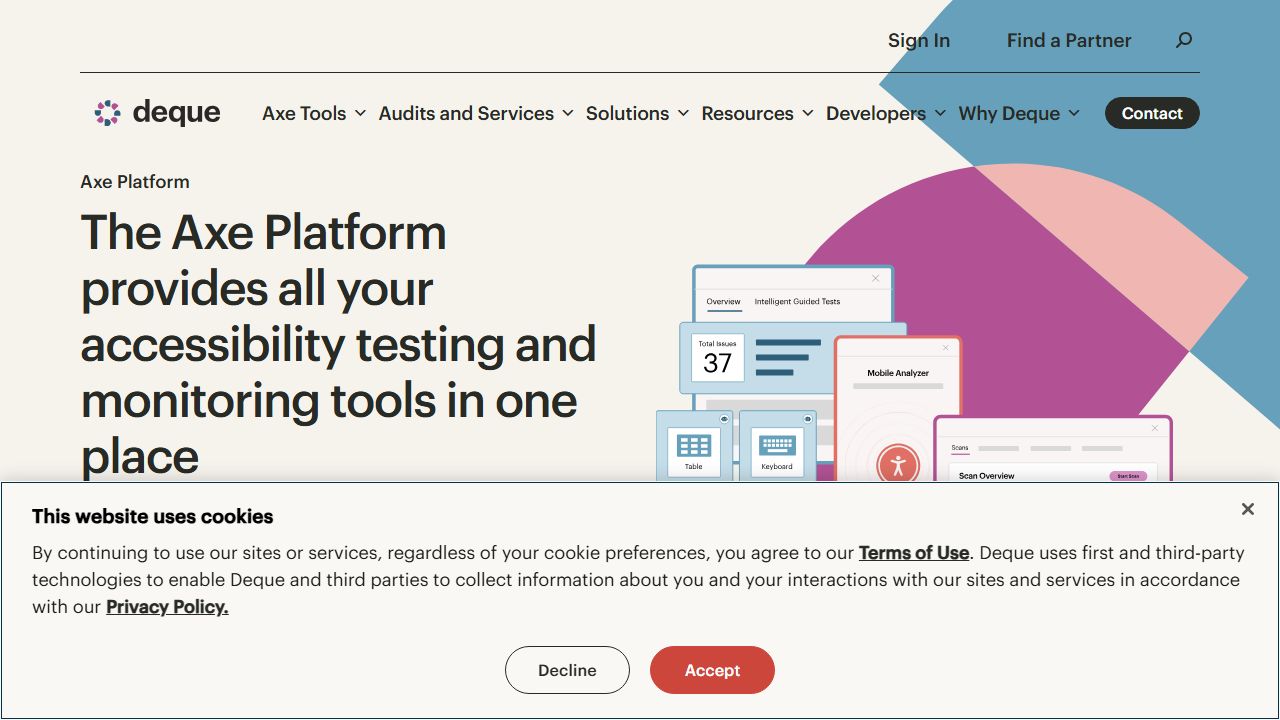
Accessibility (a11y) is no longer exactly optional; it is a legal requirement in many jurisdictions and a moral imperative globally. The axe DevTools browser extension by Deque Systems allows you to run automated accessibility audits on your local environment. It catches around 50% to 57% of all accessibility errors automatically, highlighting exactly which DOM elements need ARIA labels or better color contrast.
PageSpeed Insights & Lighthouse
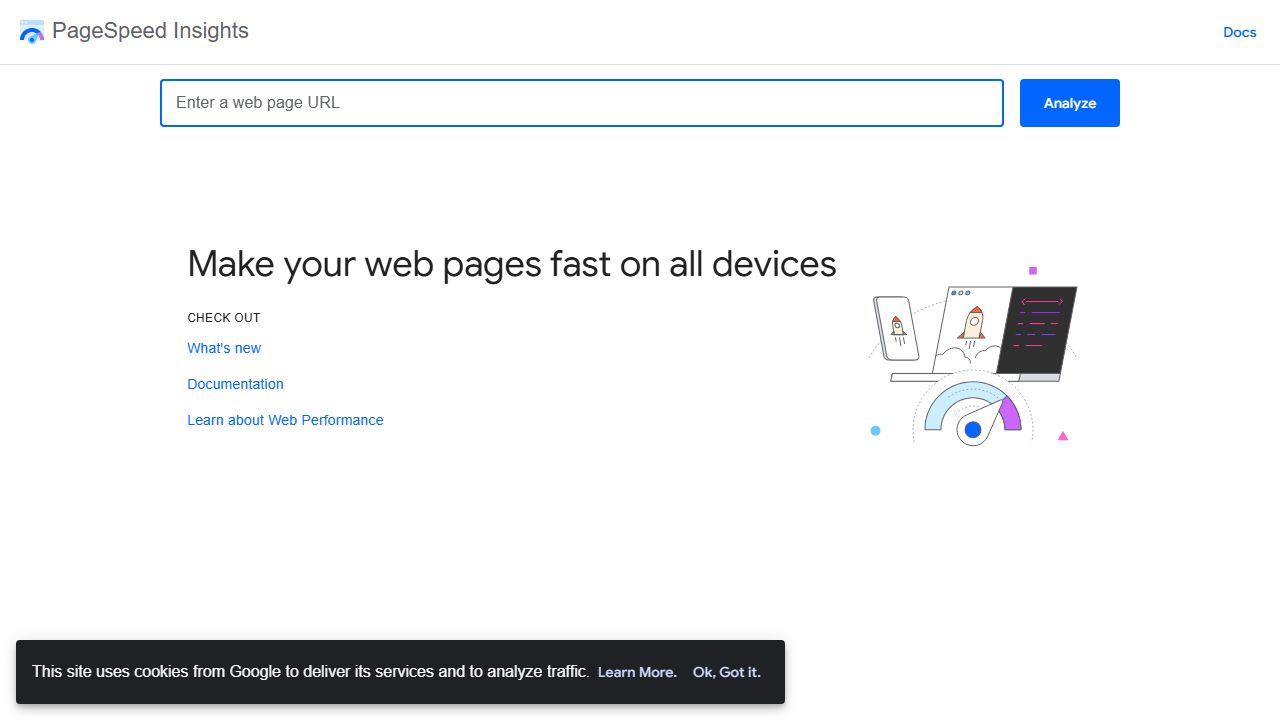
Google's Lighthouse remains one of the most essential web development tools for measuring Core Web Vitals (LCP, CLS, INP). As a freelancer, presenting your client with a "100/100" Lighthouse score is a fantastic way to prove the quality of your work and finalize the project handover with a strong impression.
4. Freelance Business Operations
We can't discuss the best tools for freelance frontend developers without touching on the software that actually helps you get paid.
Ruul
When dealing with international clients, invoicing and receiving payments can become a nightmare of fees and delayed transfers. Ruul offers specialized invoicing and payment collection tools tailored specifically for solo developers and freelancers. It allows you to issue compliant invoices globally and get paid in multiple currencies, including crypto, without setting up complex corporate structures.
Toggl Track
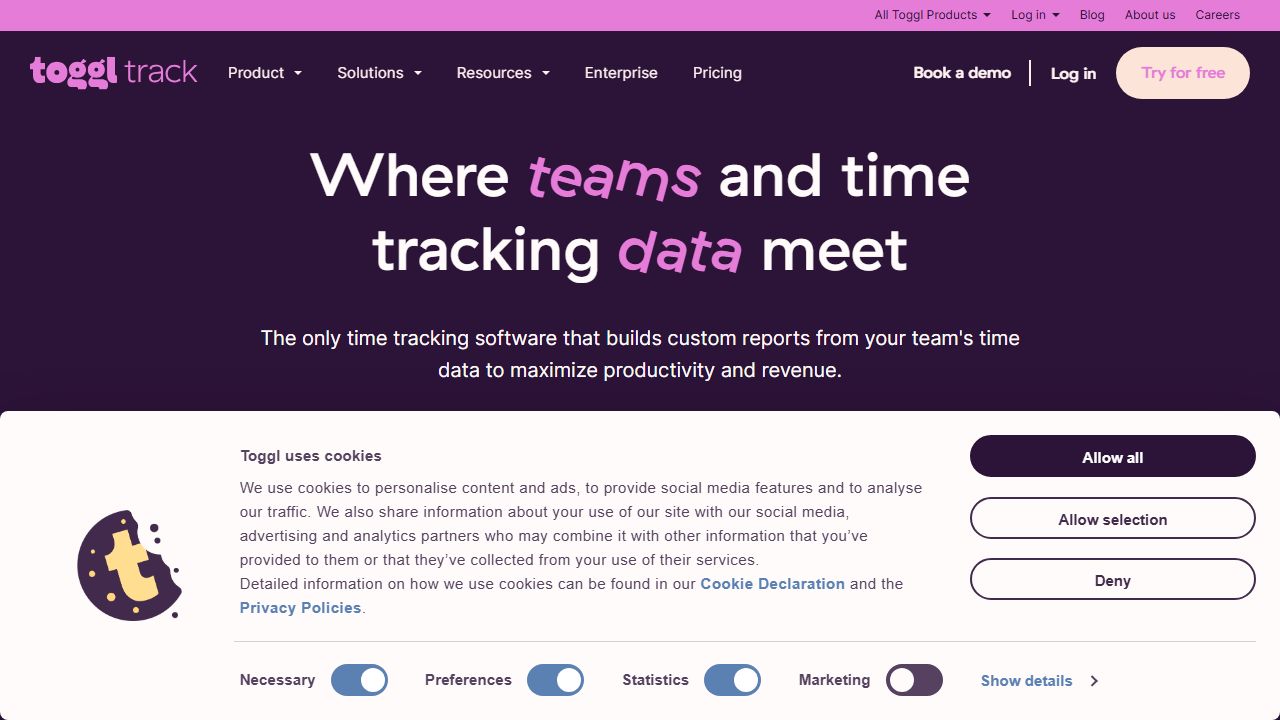
Time tracking isn't just for hourly billing. Even if you bill by the project (which is recommended), you must know exactly how much time you are spending on development versus debugging or client meetings. Toggl provides deep insights into your profitability per client.
5. API Mocking and Testing Environments
When you're building a frontend but the client hasn't provided the backend API yet, waiting isn't an option. Freelancers need to keep moving to get paid.
Postman / Insomnia
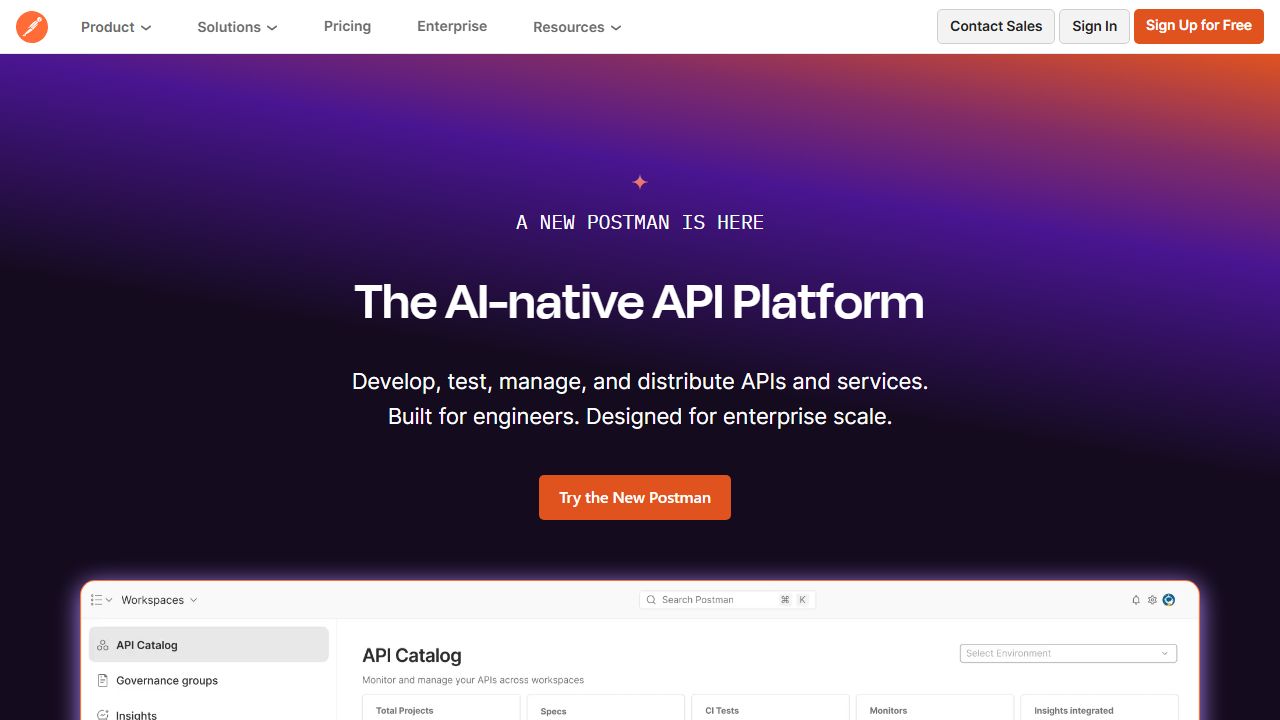
For interacting with REST and GraphQL APIs, you need a robust client. Postman
and Insomnia allow you to establish a structured collection of requests. This
dramatically reduces the time spent writing boilerplate fetch or axios calls
without knowing exactly what payload to expect from the server. By testing
endpoints efficiently, you can significantly accelerate the integration phase of
development.
MSW (Mock Service Worker)
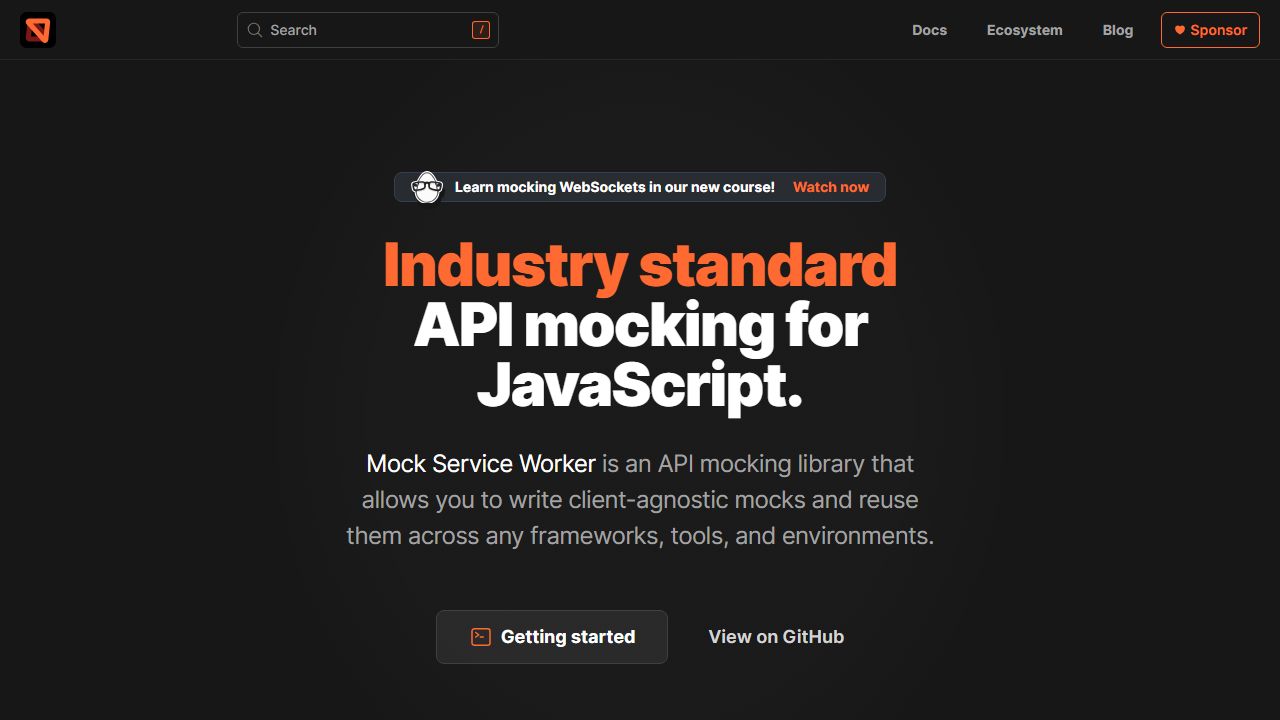
If the backend doesn't exist yet, MSW is the ultimate lifesaver. It intercepts network requests at the browser level, allowing you to seamlessly mock API endpoints. Your React or Next.js components function as if they are talking to a real production database. This means you do not have to rewrite any fetching logic once the backend is finally ready—a crucial efficiency leap for a solo developer.
6. Advanced Component Libraries & UI Kits
The era of building every single button, modal, and hero section from scratch is firmly behind us. To remain competitive and profitable in the freelance market, you need a secret weapon that instantly provides you with production-ready, beautiful UI components.
ogblocks: The Ultimate UI Accelerator
When we talk about front end web developer tools that provide an immediate return on investment, ogblocks takes the crown. Designed for developers who need to ship premium, highly aesthetic interfaces without spending weeks on design and testing, ogblocks is a massive leap forward.
Most free UI frameworks can make your projects look "cookie-cutter" and generic. Your clients hire you for custom, high-end experiences. ogblocks delivers exactly that by offering:
- Ready-to-use, accessible components: From complex animated hero sections to robust pricing tables.
- Copy-and-paste simplicity: Integrates flawlessly into modern React and Next.js projects.
- Customization at scale: Built on modern standards, allowing you to tweak every pixel while retaining the core interactive logic.
Using a premium library like ogblocks isn't just about saving an hour here or there. According to recent developer productivity surveys, utilizing pre-built premium components can reduce frontend development time by up to 45%. For a freelancer billing per project, that efficiency directly doubles your effective hourly rate. Ready to level up? Explore ogblocks now.
Shadcn UI (For Structural Foundations)
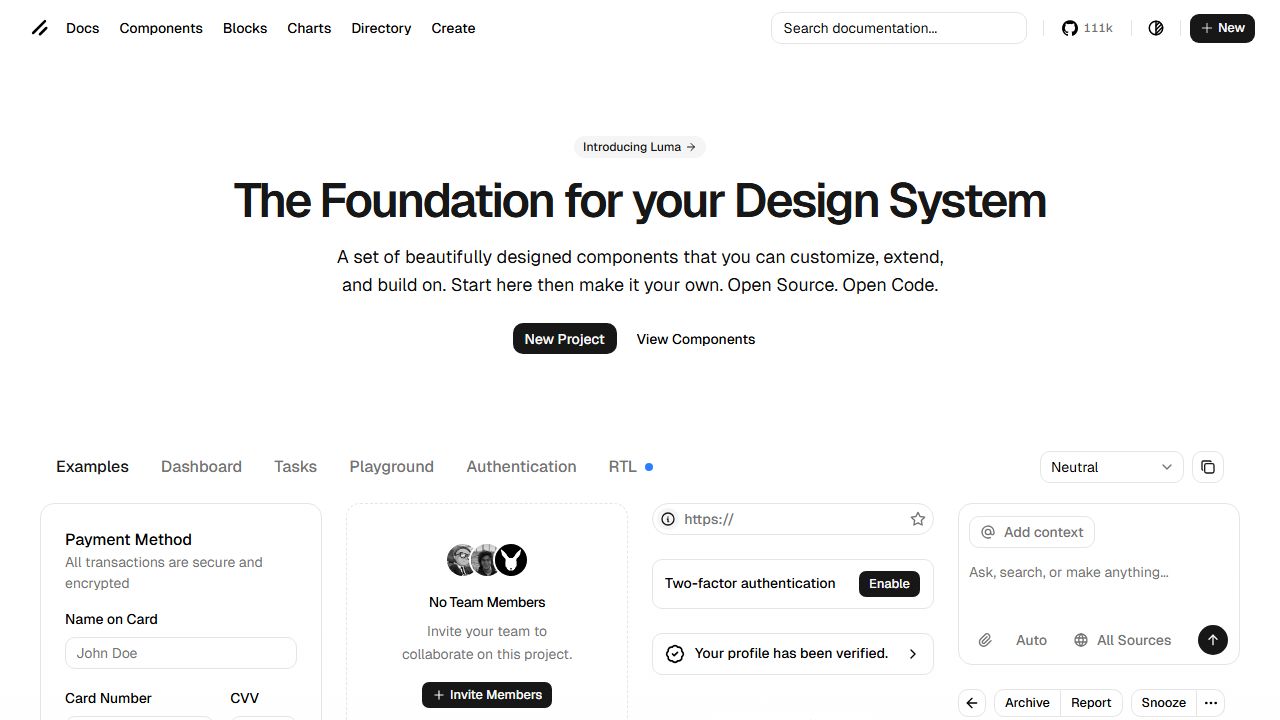
For times when you need unstyled, accessible primitives that you want to heavily customize, Shadcn UI is an excellent supporting player. It gives you raw components that you own fully within your repository. Pairing Shadcn for basic structural elements with the stunning, animated, pre-designed blocks from ogblocks creates an unbeatable, lightning-fast workflow.
Conclusion: Stop Re-inventing the Wheel
The primary difference between an overworked freelancer and a highly profitable web development agency is leverage. Successful developers don't write every line of code from scratch; they assemble the best tools for freelance frontend developers to create a high-speed, high-quality production line.
By integrating client feedback platforms, embracing automated accessibility testing, and heavily leveraging premium UI accelerators, you fundamentally change your business model.
Instead of spending an entire Tuesday trying to center a modal and make it smoothly animate, you could just grab a stunning, accessible component from ogblocks, drop it in, and move on to your next high-paying client.
Stop wasting hours on standard UI.
👉 Supercharge your frontend workflow with the ogblocks component library today!
Frequently Asked Questions
What are the essential web development tools for freelance front end developers?
Beyond standard code editors and frameworks, essential tools are those that provide leverage: premium component libraries like ogblocks for rapid UI development, preview tools like Vercel for client handoff, visual QA tools like BugHerd, and business operations software like Ruul for global invoicing.
How do component libraries increase freelance profitability?
Premium component libraries provide pre-built, highly polished, and accessible UI elements. This reduces frontend development time by up to 45%, allowing freelancers to finish projects significantly faster, take on more clients, and increase their effective hourly rate without ever compromising on quality.
How should freelance developers handle client feedback on websites?
Instead of relying on confusing email threads, freelancers should utilize visual feedback tools like Markup.io or Vercel Preview Deployments. These allow clients to click directly on the live staging website to leave pinned comments, significantly reducing miscommunication and QA time.
Written by Karan
Karan is a React engineer and the founder of ogBlocks, building high-performance UIs for SaaS.