Ship or Sink: 5 Elite Tailwind CSS premium templates to Save Your Startup Time
If you are a developer or a SaaS founder, building an entire application frontend from scratch is slowly becoming a thing of the past. Why spend 40 hours tweaking padding and alignment when the right Tailwind css premium templates can give you a pixel-perfect layout in minutes?
The stark reality of software development in 2026 is that speed is your biggest competitive advantage. Shaving weeks off your frontend build means getting to market faster and validating your idea sooner. In this comprehensive guide, we will break down the absolute best premium Tailwind CSS templates designed specifically for developers, why they crush standard css templates, and how you can implement them to boost your ROI.
Key Takeaways
Time is Money: Premium Tailwind CSS templates can save you over 100+ hours of custom development time, directly translating to thousands of dollars saved.
Blocks Over Themes: Modern development favors modular "UI Blocks" (like those from ogblocks) rather than rigid, monolithic templates that are hard to override.
Built-in Interactivity: High-quality Tailwind templates now come with Framer Motion or native CSS transitions built-in, providing a premium feel immediately.
Better Accessibility: Premium solutions bake in ARIA attributes and keyboard shortcuts so your app is compliant from day one.
Avoid "Basic" CSS Templates: Standard CSS templates often suffer from massive tech debt and bloated stylesheets that slow down your app's performance.
Table of Contents
- Free CSS Templates vs. Tailwind CSS Premium Templates
- What to Look for in a Premium Template
- Top 5 Tailwind CSS Premium Templates for SaaS Developers
- The Tangible ROI of Buying UI Components
- Best Practices for Integrating Your New Template
- Frequently Asked Questions (FAQ)
- Conclusion: Stop Vibe Coding From Scratch
Free CSS Templates vs. Tailwind CSS Premium Templates
For years, developers relied on standard Bootstrap or generic css templates to get projects off the ground quickly. The problem? They are incredibly rigid. Once you try to customize a standard CSS template to match your brand guidelines, you end up writing overriding CSS (often relying on !important), which quickly creates a bloated, unmaintainable mess.
Tailwind CSS premium templates solve this entirely. Because Tailwind is a utility-first framework, every component's styling is explicitly defined in its class list.
There are three major advantages over traditional methods:
- Zero Context Switching: You rarely have to open a CSS file. The layout, typography, and colors are handled right next to your markup.
- Infinite Customization: When using premium blocks, modifying a border radius or a primary color across 50 components takes one simple change in your
tailwind.config.ts. - No Unused CSS: Tailwind's compiler purges any classes you don't use, ensuring your final CSS bundle is ridiculously small (often under 10kb) compared to bulky global themes.
What to Look for in a Premium Template
Not all paid UI kits are created equal. Before you drop your credit card on a Tailwind template, make sure it checks these boxes:
- Component Modularity: A massive monolithic page template sounds good until you only want the pricing component. Look for libraries that offer modular "blocks" so you can pick and choose exactly what you need.
- Native React/Next.js Support: If you're building a SaaS, you're likely using React. Make sure the premium template isn't just plain HTML that forces you to convert DOM elements to JSX manually.
- Dark Mode Compatibility: Over 80% of developers prefer dark mode. If the template requires you to write the
dark:classes yourself, you are wasting time. - Accessibility (a11y): Form inputs need labels, dropdowns need focus states, and modals require trapping focus. A high-quality premium provider handles this out of the box.
Top 5 Tailwind CSS Premium Templates for SaaS Developers
If you are looking to accelerate your workflow, here are the absolute top-tier options currently dominating the market.
1. Cruip
Cruip provides beautifully designed Tailwind CSS templates specifically tailored for startups, SaaS, and apps. They offer a premium collection that is easy to customize and comes with well-structured code.
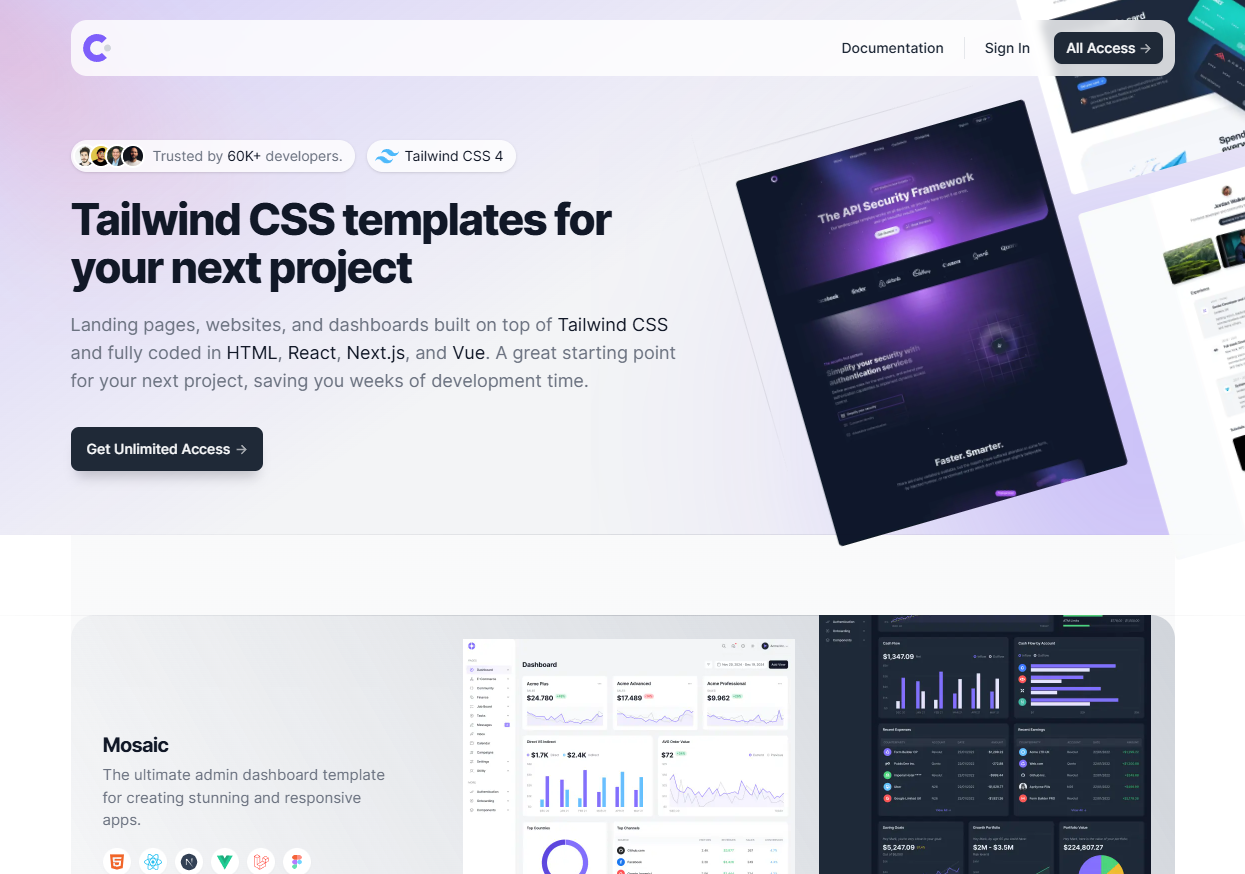
Pros: Highly polished designs that look great out of the box. Specifically focused on SaaS and startup aesthetics.
Cons: The templates are mostly full-page designs, which can be slightly harder to break down into individual components if you only need a specific section.
2. Tailgrids
Tailgrids is a massive UI component library and template collection for Tailwind CSS. It focuses heavily on providing a huge variety of ready-to-use blocks for everything from marketing sites to dashboards.
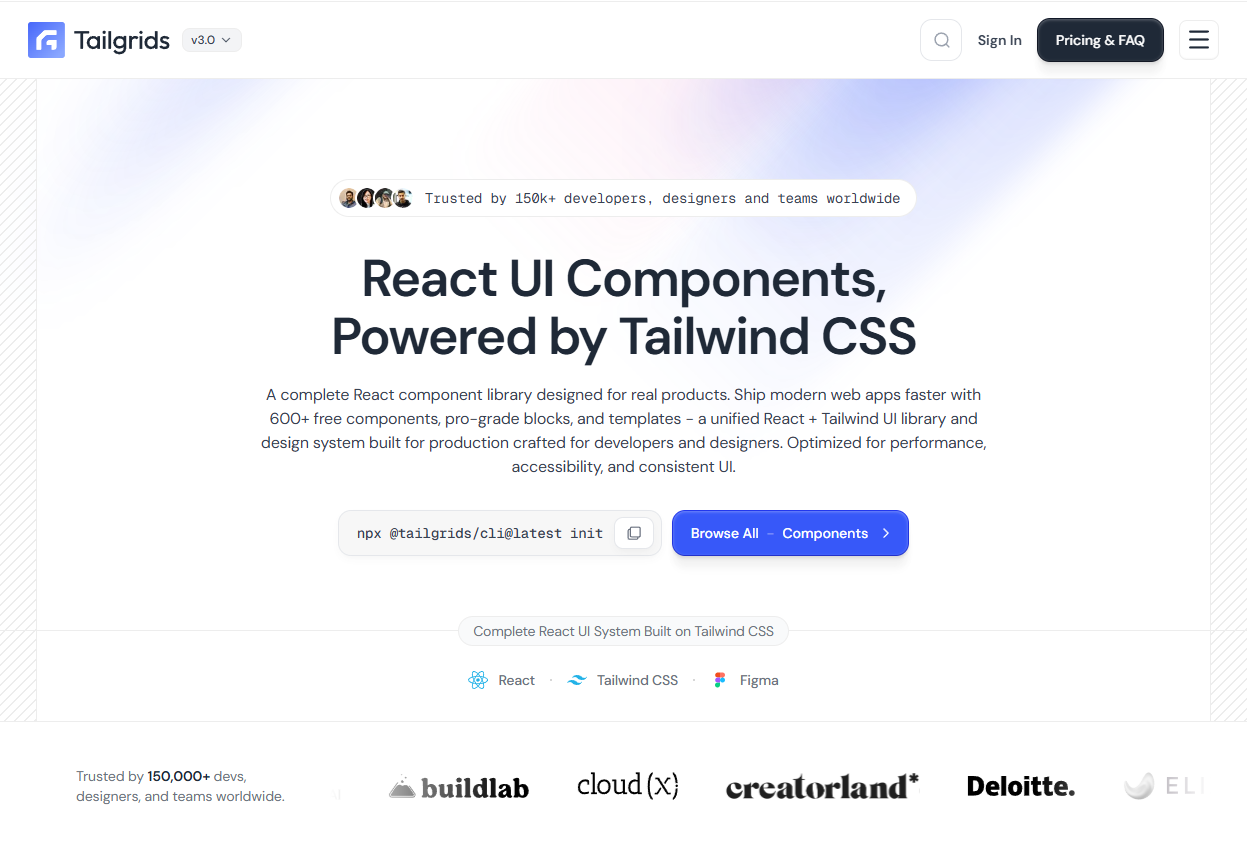
Pros: Extremely comprehensive with hundreds of UI blocks. Great for developers who need a wide variety of options.
Cons: The sheer number of components can sometimes mean the overall aesthetic is a bit generic across projects.
3. Tailwind UI Plus
Created by the makers of Tailwind CSS themselves, Tailwind UI Plus provides an extensive library of application UI and website templates (like Salient, Protocol, and Spotlight).
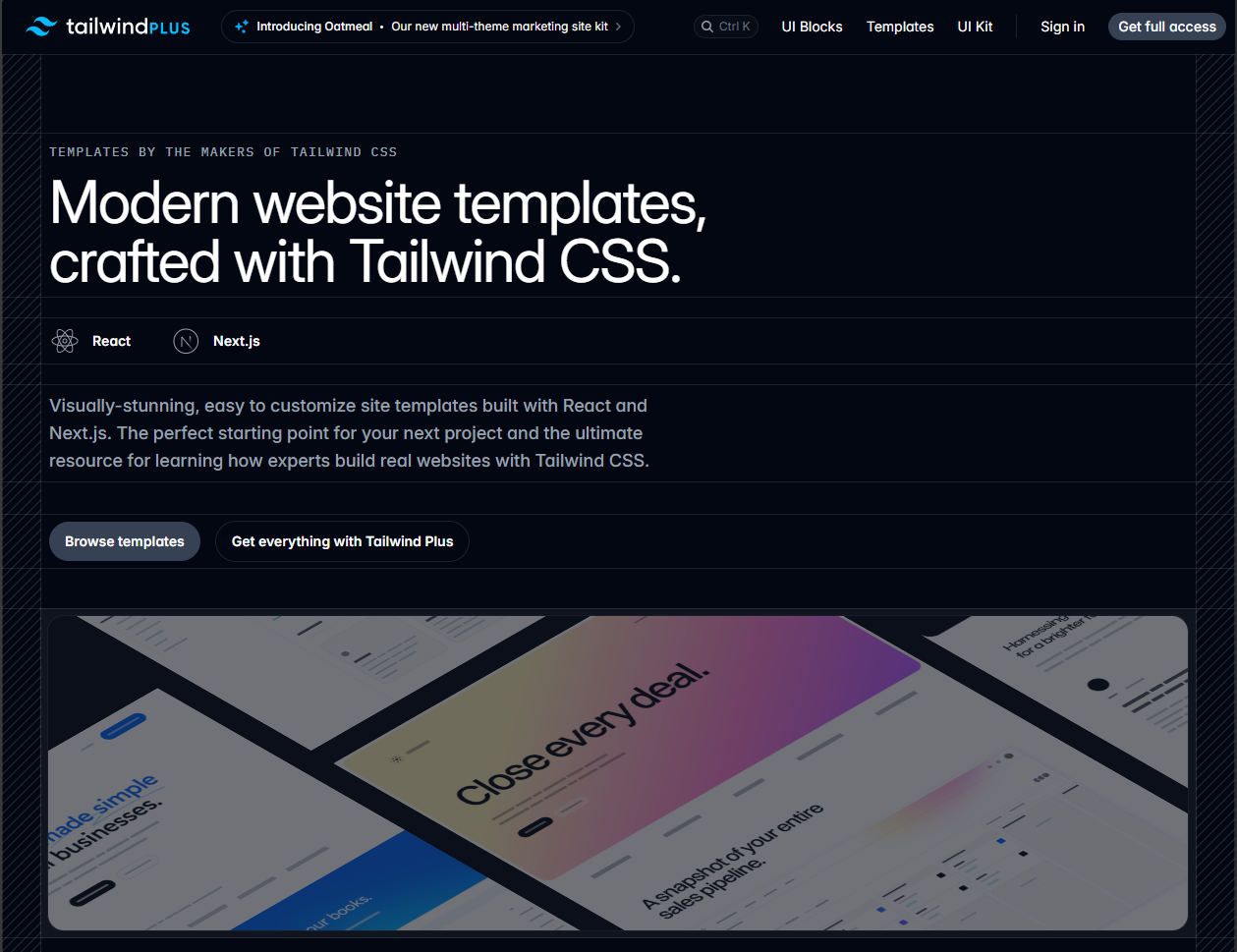
Pros: It is the official standard. The code is exceptionally clean and accessible.
Cons: Because it is so popular, your site runs the risk of looking like thousands of others unless you heavily customize the base components.
4. FlyonUI Pro components
FlyonUI Pro provides hundreds of Tailwind CSS blocks and more than 10 customizable templates. It brings an interesting dynamic by integrating tightly with AI tools and offering its own VSCode extension for quick code generation.
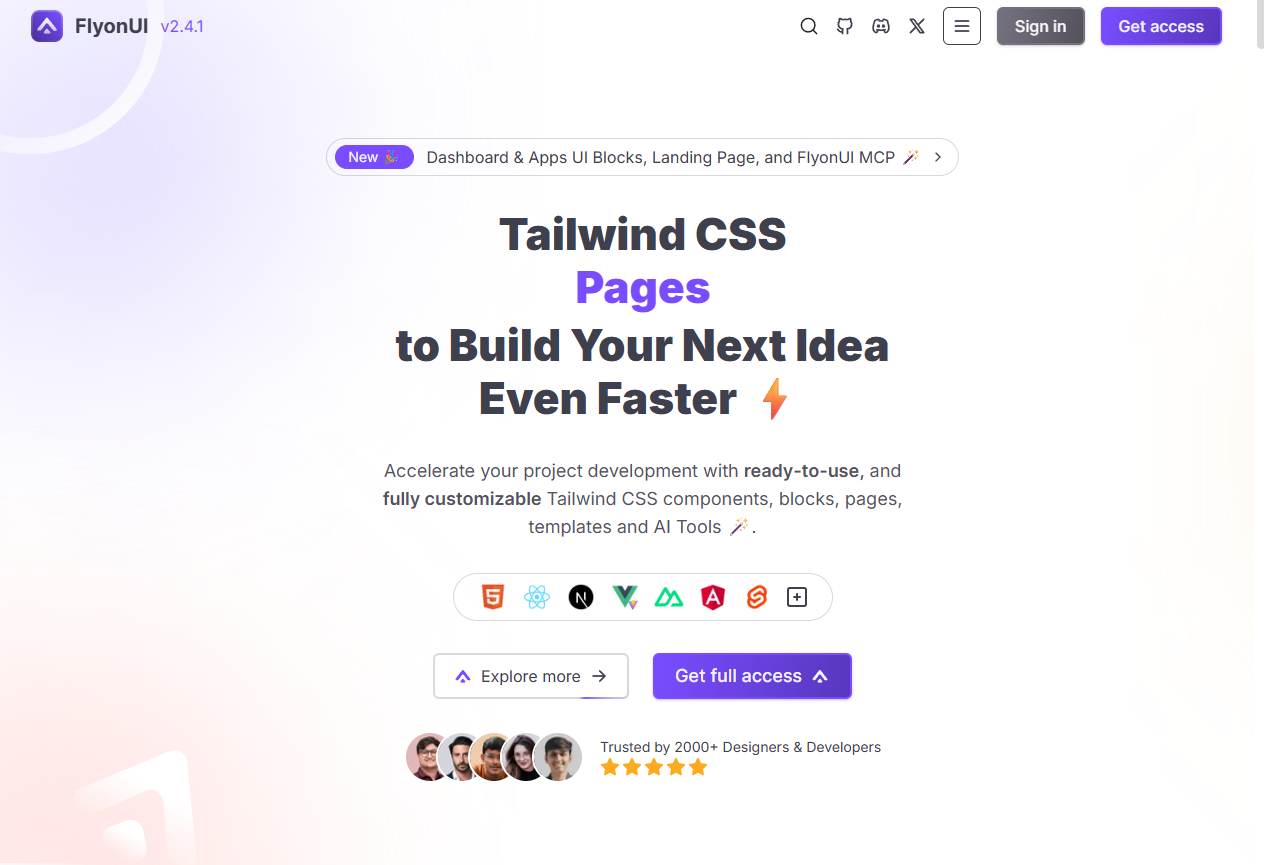
Pros: Extensive component list (over 500 blocks for pro users).
5. DaisyUI Pro
DaisyUI Pro offers a refined set of premium components and templates built on top of the most popular Tailwind CSS component library. It provides a distinct, colorful aesthetic that is perfect for creative SaaS products.
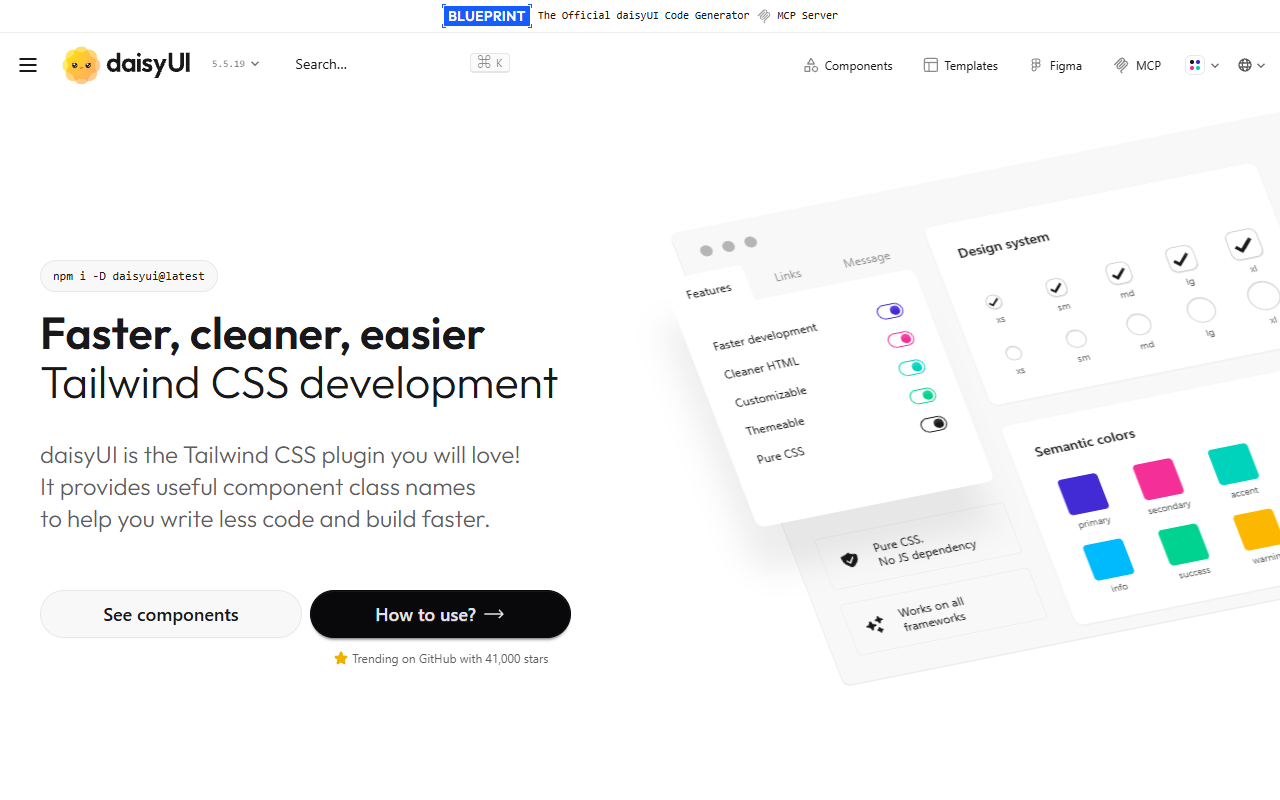
Pros: Inherits the simplicity of DaisyUI while adding massive premium functionality. Great for developers who already love the DaisyUI workflow.
Cons: The highly opinionated design might not fit every professional B2B enterprise SaaS brand without significant customization.
Quick Comparison: Top Tailwind CSS Premium Templates
| Template Library | Best For | Price Range | Key Feature |
|---|---|---|---|
| Cruip | Startups & SaaS | $49 - $149 | Premium Startup Aesthetic |
| Tailgrids | Large Projects | $69 - $199 | 500+ UI Blocks |
| Tailwind UI | Clean Standard | $299 (Bundle) | Official Support |
| FlyonUI Pro | AI-First Devs | $49 - $129 | AI Tool Integration |
| DaisyUI Pro | Creative SaaS | $49+ | Rapid Prototyping |
The Tangible ROI of Buying UI Components
Let’s look at hard math.
A standard React Developer in the US costs roughly $70 to $100 per hour. If a developer takes:
- 4 hours to build a fully accessible, mobile-responsive navbar with dropdowns.
- 6 hours to create an animated, interactive pricing table with billing toggles.
- 8 hours to craft an engaging, conversion-optimized hero section.
That is 18 hours, equating to over $1,500 in developer time—just for three core sections of a landing page.
Purchasing Tailwind CSS premium templates for $99 to $299 is an absolute no-brainer. It effectively reduces your UI development cost by 90% or more, allowing you or your team to focus exclusively on backend business logic and unique application features.
Best Practices for Integrating Your New Template
When you download your new premium template, don't just dump all the files into /src and hope for the best.
- Leverage the Config File: Move the overarching brand colors into
tailwind.config.ts. Map the template's primary color (bg-indigo-600) to your brand (bg-brand-primary). - Build a Component Library: Rather than pasting the block code multiple times, paste it once into a reusable component (e.g.,
<PremiumButton />) so that if the template provider pushes an update, you only have to change it in one place. - Purge Ruthlessly: Ensure your build process properly scans your new components folder so you don't accumulate dead CSS.
Frequently Asked Questions (FAQ)
What are Tailwind CSS premium templates?
Tailwind CSS premium templates are professionally designed, ready-to-use HTML and React components built exclusively using Tailwind CSS utility classes. They are intended to help developers build websites and SaaS interfaces significantly faster than writing code from scratch.
Are premium templates worth it for solo developers?
Absolutely. Solo developers have the most constrained resource: time. A premium template acts as a dedicated designer and frontend developer, allowing you to launch MVPs 10x faster. The initial cost is easily offset by the hours saved.
Can I use these templates with Next.js or React?
Yes. The best modern Tailwind templates (especially component libraries like ogBlocks) provide code specifically written in React/Next.js/JSX, making them incredibly easy to drop into full-stack JavaScript applications.
Conclusion: Stop Vibe Coding From Scratch
The truth is, your users don't care if you spent 40 hours hard-coding a CSS grid layout, nor do they care if you used generic css templates. What they care about is a fast, beautiful, and intuitive user experience.
Tailwind CSS premium templates give you the ultimate unfair advantage. They allow you to sidestep the tedious parts of web development, bypass expensive design agencies, and get straight to shipping product.
Ready to ship your SaaS frontend 10x faster? Don't write another line of boilerplate CSS. Get the ogBlocks component library today and start copy-pasting beautiful, high-converting React blocks directly into your Next.js applications!
Written by Karan
Karan is a React engineer and the founder of ogBlocks, building high-performance UIs for SaaS.