
Don't Get Left Behind: The 5 Best IDEs for Vibe Coding You're Missing
This article is for vibe coders, SaaS founders, and indie hackers who are tired of writing boilerplate code and want to radically accelerate their development cycles. If you want to go from an idea to a highly profitable web application in days, choosing the right AI coding environment is arguably your most important tech-stack decision.
We've officially entered the era of vibe coding. You no longer need to painstakingly type out every curly brace and semicolon. Instead, you orchestrate AI agents to handle the tedious implementation details while you focus on the architecture, user experience, and the vibe of the product. The AI does the heavy lifting, and you do the directing.
But here is the catch: your vibe coding experience is only as good as the editor you use. If your AI lacks context about your codebase, hallucinates missing files, or forgets your previous instructions, your momentum dies. Finding the best IDE for vibe coding can mean the difference between launching your SaaS this week or struggling for the next three months.
In this comprehensive guide, we are breaking down the absolute best editors for vibe coding, comparing the top contenders, and showing you exactly how they can help you ship your next big project at lightspeed.
Key Takeaways
- The best IDE for vibe coding requires deep codebase context, autonomous multi-file editing, and fast AI models like Claude 3.5 Sonnet or OpenAI's latest iterations.
- If you want an out-of-the-box solution with zero configuration, Cursor is the industry standard. If you prefer terminal-first workflows, Claude Code is unmatched.
- If you prefer deep customization and use existing VS Code setups, plugins like Cline or OpenCode are extremely powerful.
- Vibe coding is about moving fast: pair your AI IDE with premium, pre-built components like ogBlocks to completely bypass the design phase and launch faster.
Table of Contents
- What Exactly is Vibe Coding?
- Why Your Choice of IDE Matters for AI
- The 5 Best IDEs for Vibe Coding
- How to Choose the Right AI IDE for Your SaaS
- Frequently Asked Questions
- Conclusion: Supercharge Your Vibe Coding Workflow
What Exactly is Vibe Coding?
Vibe coding is a term coined by Andrej Karpathy to describe the modern workflow of software development where developers use AI assistants to generate, refactor, and architect code autonomously via high-level natural language prompts.
Instead of writing logic step by step, a vibe coder writes an intent—a "vibe" of what they want the application to do. For example, instead of writing a React component, setting up state, and styling it with Tailwind CSS manually, a vibe coder might prompt: "Create a stunning, fully responsive pricing table with three tiers, use our primary brand colors, and add a smooth hover animation using Framer Motion."
For indie hackers and SaaS founders, this is revolutionary. It allows solo developers to output code at the speed of a 5-person engineering team. We talk more about this massive paradigm shift in our piece on how to become a vibecoder. Vibe coding isn't just about auto-completion; it's about orchestration, review, and high-level software design.
Why Your Choice of IDE Matters for AI
You might be wondering: "Can't I just use ChatGPT or standard Claude in a web browser, and copy-paste the code into my project?"
You absolutely can, but that is the old way, and it is notoriously slow. The copy-paste workflow—constantly switching tabs, moving files, dealing with missing imports, and continuously reminding the AI of your file structure—causes massive friction. It breaks the "vibe."
The best IDE for vibe coding integrates AI directly into your local environment. Here is why an AI-first IDE is non-negotiable:
- Total Codebase Awareness: The AI understands your entire project tree, how your components link together, and your package dependencies.
- One-Click Execution: AI tools can create files, modify existing code, run terminal commands, and even debug server errors automatically.
- Reduced Cognitive Load: You don’t have to keep track of variable names or routing logic; the AI handles the state of the app while you handle the roadmap.
- Agent Skills Integration: As we discussed in our guide on agent skills for vibecoders, modern AI IDEs can read specialized rules to strictly follow your preferred tech stack and design patterns.
The 5 Best IDEs for Vibe Coding
According to the 2025 Stack Overflow Developer Survey, over 76% of developers now use AI coding tools in their workflow. We have tested the leading tools on the market to see how they handle complex UI generation, logic debugging, and multi-file architecture to determine the best IDE for vibe coding. Here is the definitive list.
1. Cursor: The OG Vibe Coding IDE
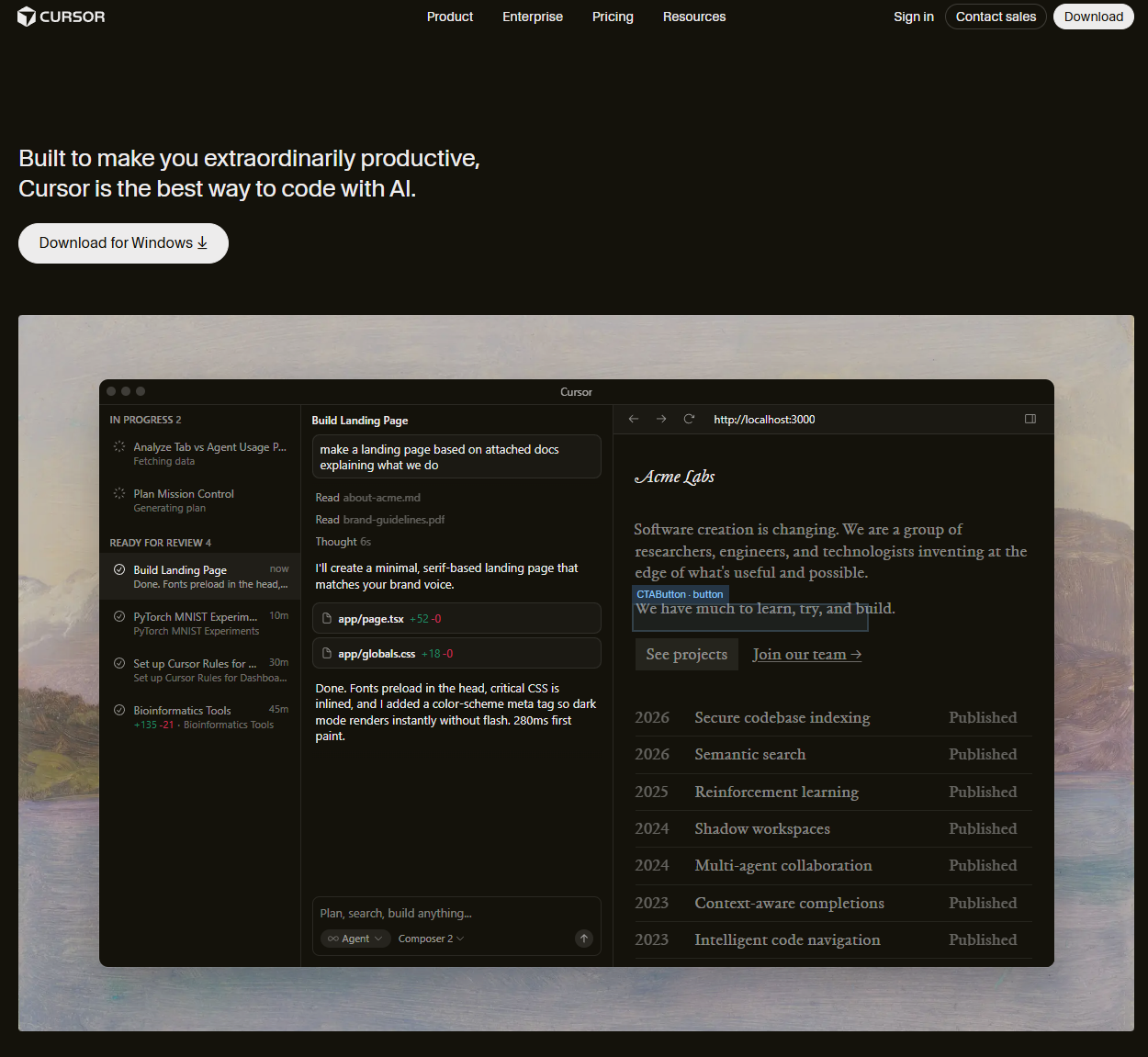
Best For: Developers who want a seamless, out-of-the-box experience.
Cursor is widely considered the pioneer of the AI-first code editor space, built as a fork of VS Code. With over 40 million total installsas of early 2026, it is the most popular best IDE for vibe coding among the indie hacker community.
Key Features:
- Composer Mode: Cursor’s multi-file editing feature allows you to describe a complex feature (like adding an entire authentication system) and it will touch dozens of files simultaneously to implement it.
- Tab Auto-Complete: Its predictive fast-completion is unparalleled. It feels like the AI is literally reading your mind, often predicting the next 5 lines of code exactly how you wanted them.
- Context Management: It allows you to easily tag symbols, files, and external documentation (
@Docs) so the AI has flawless context.
Pros: Fast setup, excellent autocomplete, native feeling, supports frontier models (Claude 3.5 Sonnet, GPT-4o).
Cons: The pro subscription can be pricey, and power users might bump into usage limits if they rely heavily on the heaviest models.
2. Claude Code: The Terminal Powerhouse
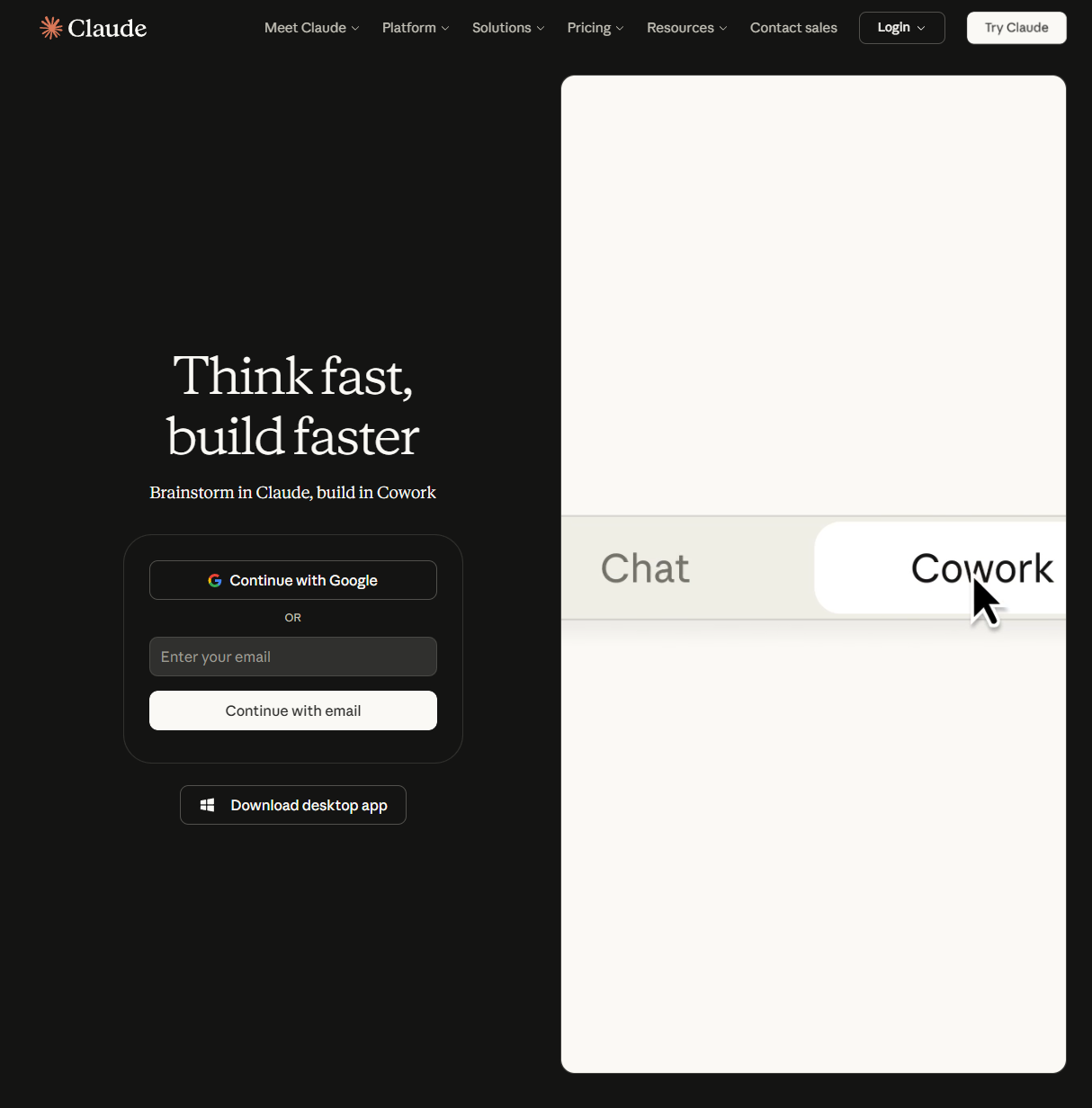
Best For: Developers who want the smartest reasoning model working directly in their terminal.
Claude Code by Anthropic is the dark horse of the vibe coding world. It is a CLI-based agentic tool that runs directly in your terminal and leverages Claude's powerful reasoning capabilities. While it doesn't have a GUI like Cursor, its raw intelligence on complex, multi-step tasks sets it apart from every other tool on this list.
Key Features:
- Deep Reasoning: Claude Code excels at understanding entire codebases and performing complex refactors that require reasoning across dozens of files simultaneously.
- Agentic Execution: It can read files, write code, run shell commands, and debug errors autonomously in a continuous loop until the task is complete.
- Extended Thinking: For difficult architectural problems, Claude Code can "think" step-by-step before acting, leading to significantly fewer hallucinations on hard tasks.
Pros: Best-in-class reasoning for complex tasks, seamless terminal workflow, excellent for large refactors and debugging.
Cons: Terminal-only interface has a steeper learning curve, and it requires an Anthropic API key or Claude Max subscription.
3. VS Code + Cline: The Custom Powerhouse
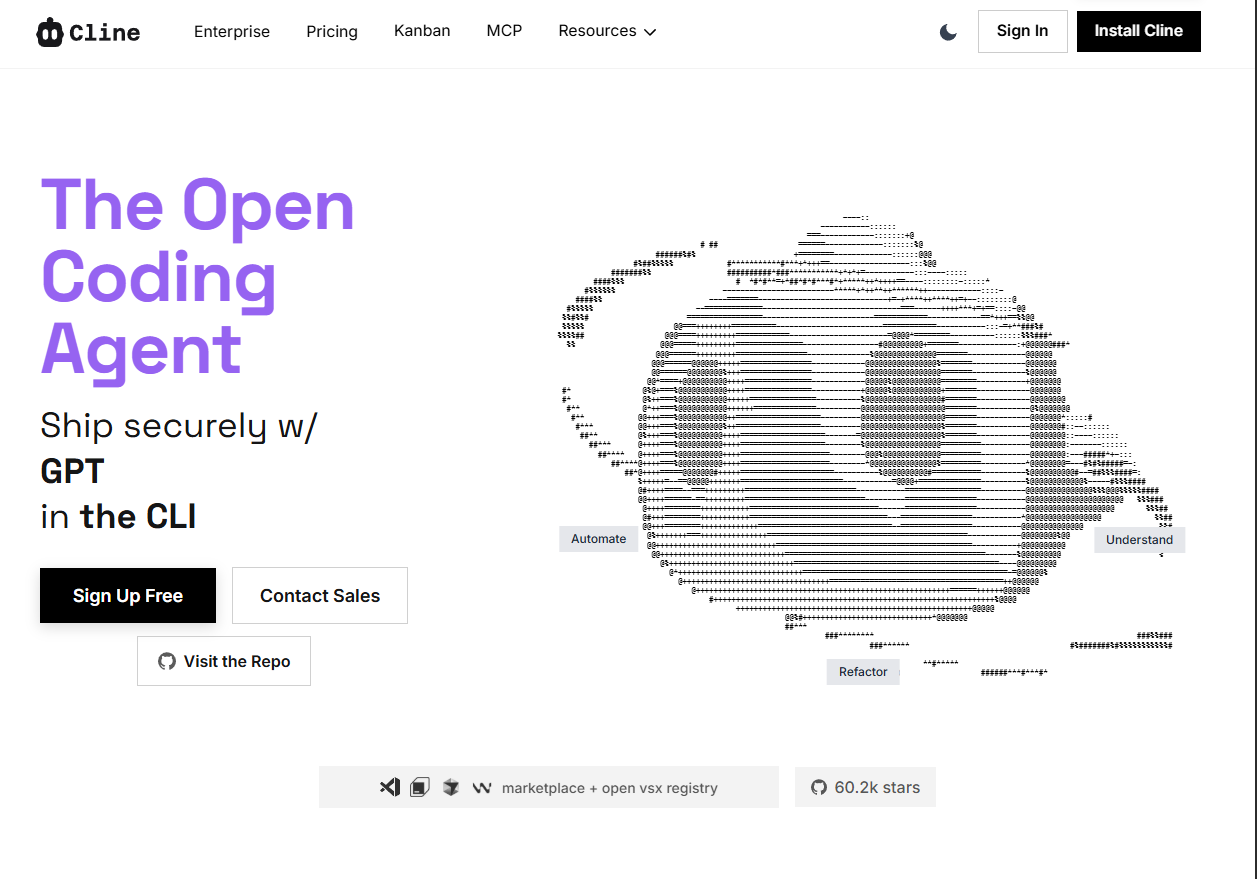
Best For: Advanced developers who want maximum control and "Bring Your Own Key" (BYOK) pricing.
If you don't want to move away from vanilla VS Code (or if you already have a very specific set of extensions you rely on), sticking with VS Code and installing the Cline extension is a seriously powerful setup.
Key Features:
- Autonomous Planning: Before Cline executes anything, it details a robust step-by-step plan and asks clarifying questions. It behaves exactly like a Senior Engineer.
- Multiple AI Providers: You are not locked into one service. You can wire up Anthropic, OpenAI, or even open-source models via OpenRouter.
- Background Execution: You can enable autonomous modes where Cline fixes a bug in the background while you review other parts of the app.
Pros: No subscription lock-in (pay only for API usage), exceptional task planning, highly transparent operations.
Cons: API costs can rack up very surprisingly fast if you let it run wild in autonomous mode.
4. OpenCode: The Open Source Hero
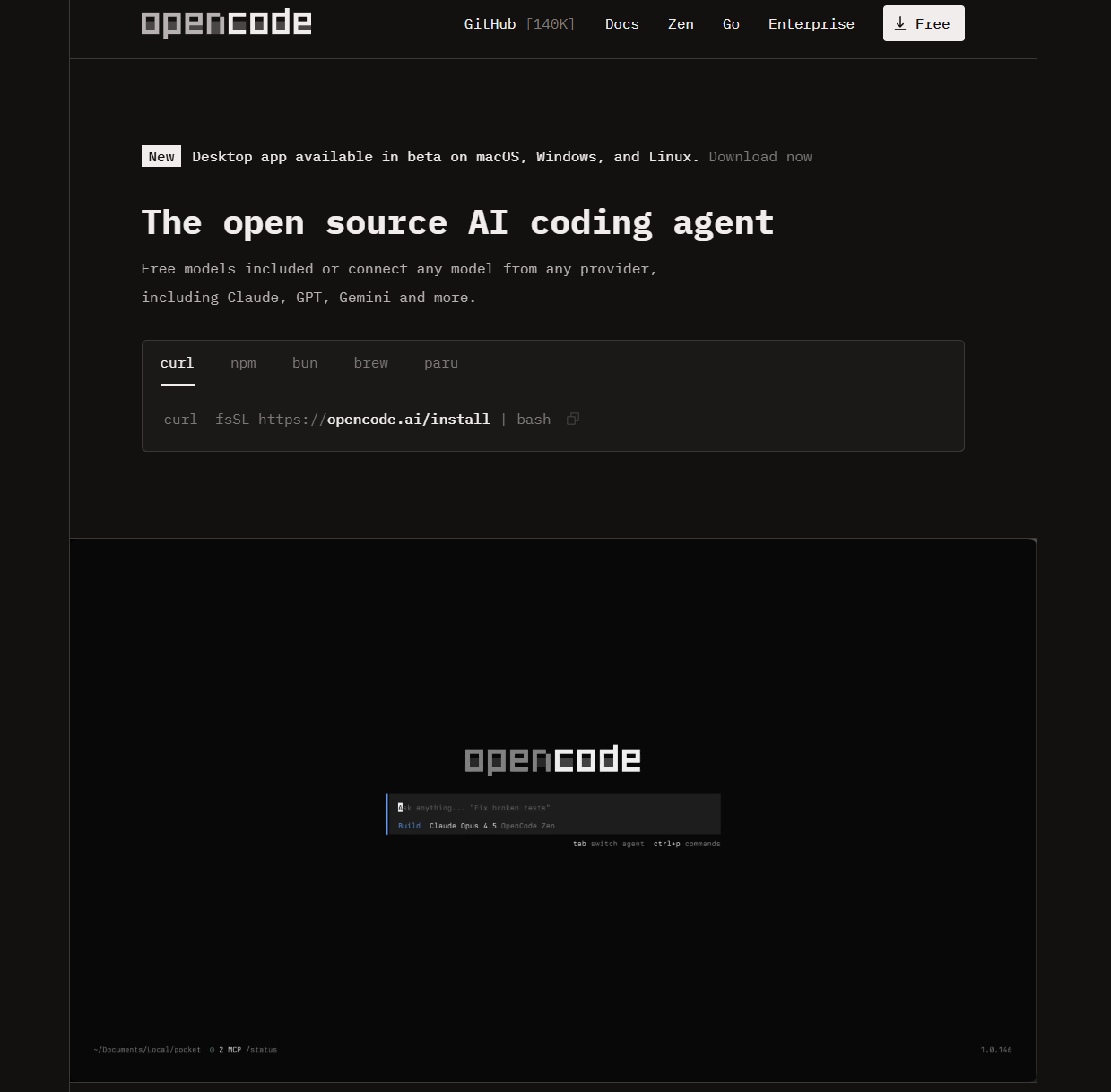
Best For: Open-source purists and developers focused on absolute privacy and deep customization.
OpenCode is an open-source alternative to proprietary IDEs that acts as a flexible, provider-agnostic agent. It excels in delivering a high-degree of control and data privacy.
Key Features:
- Provider Agnostic (BYOK): You aren't tied down to one company's model. You can connect it to over 75 LLMs including local models via LM Studio.
- Workflow Flexibility: It operates as a full TUI in your terminal, a desktop app, or an extension integrated directly into VS Code or JetBrains.
- Privacy-First: Run it fully on your own infrastructure keeping all your IP secure instead of sending index telemetry to remote servers.
Pros: Completely free and open-source, ultimate model flexibility, high data privacy.
Cons: The setup is slightly more involved than an out-of-the-box solution.
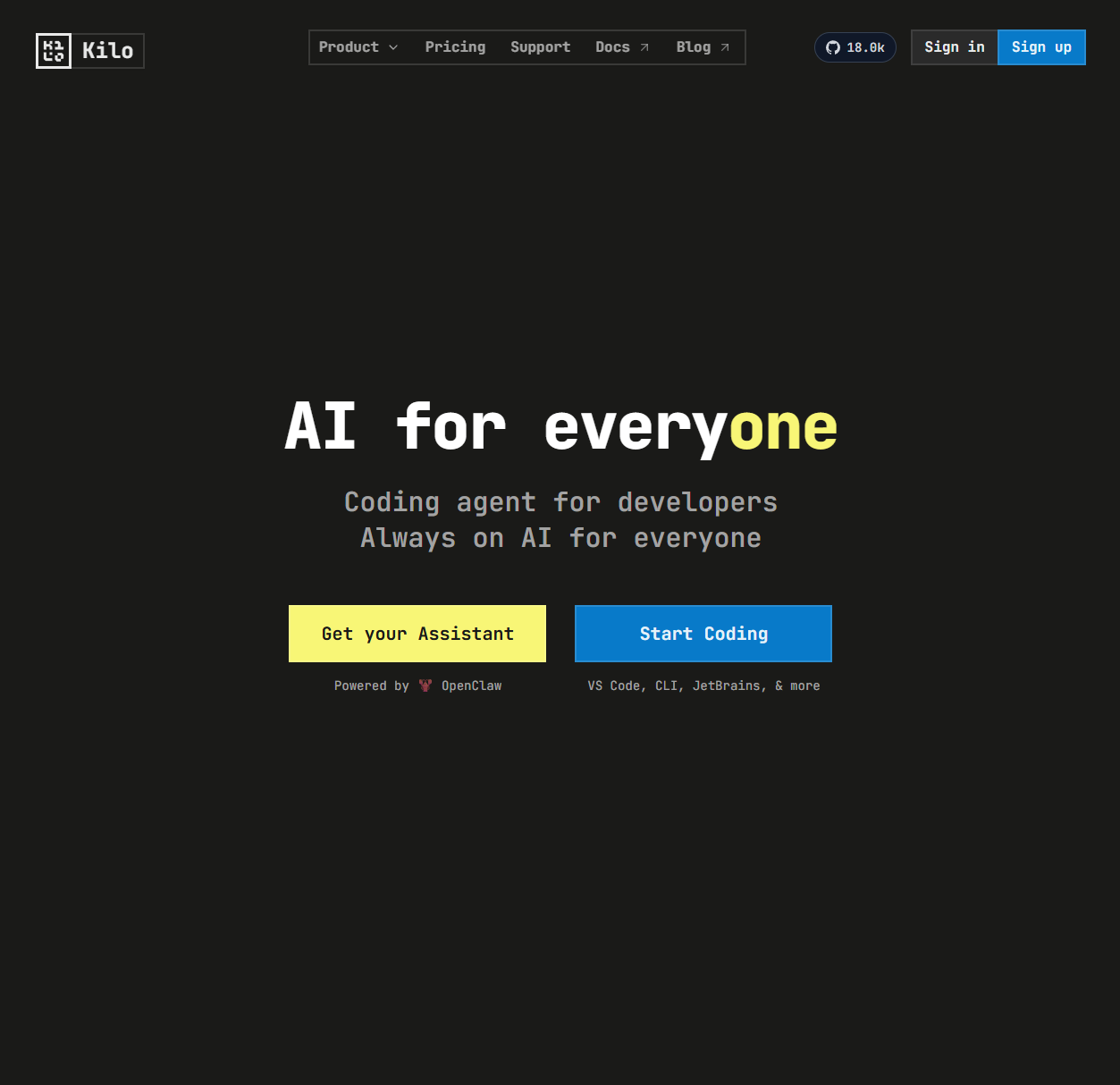
5. JetBrains + Kilo Code: For the Traditionalists
Best For: Developers who refuse to leave IntelliJ, WebStorm, or PyCharm.
One of the big problems early on was that vibe coding was almost exclusively a VS Code phenomenon. If you are deeply rooted in the JetBrains ecosystem, the Kilo Code extension brings the true vibe coding experience to your favorite IDE.
Key Features:
- Familiar Environment: Brings cutting-edge AI directly into WebStorm or IntelliJ without breaking your existing keyboard shortcuts and muscle memory.
- Auto-Acceptance: Features a smooth setup that allows for one-shot edits to be integrated cleanly.
- Forked Intelligence: Based heavily on Roo Code, but with additional ease-of-use layers built on top.
Pros: Finally brings modern AI agents to JetBrains, solid one-shot generation.
Cons: The user experience is still slightly rough around the edges compared to a dedicated fork like Cursor.
How to Choose the Right AI IDE for Your SaaS
With all these options, picking the best IDE for vibe coding for your specific needs comes down to three questions:
1. What is your budget?
If you want a fixed monthly cost and zero setup, Cursor ($20/month) is the industry standard. If you want to pay-as-you-go based exactly on the tokens you use, use VS Code + Cline with an Anthropic API key.
2. Are you building from scratch or maintaining?
If you are starting a brand new SaaS product, Cursor's Composer feature is borderline magic for scaffolding. If you are diving into a 5-year-old messy codebase, Claude Code's deep reasoning might have the edge in understanding complex legacy logic.
3. How much control do you need?
Do you want to micromanage the AI's prompts, system instructions, and provider routing? Go with OpenCode. Do you just want to press Cmd + K and see the code appear? Stick to Cursor.
Regardless of which tool you pick, the true speed of vibe coding comes from having the right foundation. If your AI agent has to reinvent a hero section, build a complex animated dropdown, or style a pricing table from scratch every single time, you are wasting valuable tokens and burning your API budget. For more on optimizing your full stack, check out our guide to the best frontend tech stack.
This is where integrating a professional UI copy-paste library changes the game entirely. Instead of struggling with CSS, you can just tell your AI: "Grab the animated hero section from ogBlocks and plug in my company's data."
Frequently Asked Questions
What is the best IDE for vibe coding?
For most developers and SaaS founders, Cursor is currently the best IDE for vibe coding. It offers a seamless out-of-the-box experience, incredible multi-file editing capabilities through its Composer feature, and fast AI autocompletion.
What is the difference between Cursor and Claude Code?
Cursor is a GUI-based VS Code fork focused on its Composer feature and fast inline editing. Claude Code is a terminal-based agentic tool from Anthropic that excels at deep reasoning and complex multi-file refactors.
Can I do vibe coding in regular VS Code?
Yes, absolutely. You can turn standard VS Code into a vibe coding powerhouse by installing advanced AI agent extensions like Cline or OpenCode, and connecting them to frontier models via API keys.
Is vibe coding actually faster than normal coding?
Yes. Surveys consistently show that developers using AI agents for vibe coding reduce their development cycles substantially, often cutting SaaS build times from months down to a few weeks, by automating boilerplate and repetitive syntax.
Conclusion: Supercharge Your Vibe Coding Workflow
The transition from a manual typist to an AI orchestrator is the biggest leverage a solo developer can gain today. Whether you choose the polished ecosystem of Cursor, the deep reasoning of Claude Code, or the raw control of Cline, the best IDE for vibe coding will equip you to build faster, smarter, and with fewer bugs.
But your IDE is only half of the equation.
If you are a SaaS founder, indie hacker, or vibecoder, your end goal is not to write code—it is to launch a premium product that users want to pay for. Even the best AI agents will output generic, uninspired, default-looking UI if you let them design from scratch. Your startup deserves a design that screams high-budget, enterprise-grade quality.
Don't let your AI hallucinate a mediocre frontend.
Ready to ship 10x faster and make your SaaS look premium? Pair your favorite AI IDE with the definitive UI library built for modern development. Check out ogBlocks today to supercharge your Next.js and React projects with stunning, copy-paste animated components. Buy it once, use it forever, and let your AI assemble your masterpiece.
Written by Karan
Karan is a React engineer and the founder of ogBlocks, building high-performance UIs for SaaS.