Stop Losing Customers: Choosing the Best Live Chat Software for Customer Service
When you're trying to scale a SaaS product or you're a busy solo founder, handling support tickets can feel like plugging holes in a sinking ship. You desperately need the best live chat software for customer service to handle inquiries, close sales, and maintain your sanity. Whether you are currently exploring the best AI tools for SaaS or researching the best places to launch your product, good support is the backbone of your strategy.
As a SaaS founder, web agency owner, or indie hacker, your support isn't just about answering questions—it's a critical revenue channel. If your visitors can't get an immediate answer when they have their credit card in hand, they bounce to your competitor.
In this comprehensive guide, we've broken down and compared the top 9 live chat solutions specifically analyzed for their pricing, user experience, developer friendliness, and capabilities to automate repetitive support queries.
Key Takeaways
- Zendesk and Intercom dominate for enterprise or heavily funded SaaS platforms but are notoriously expensive.
- Crisp and Tidio provide the best value for bootstrapped indie hackers and smaller agencies.
- Implementing proper live support software alongside beautiful frontend UX can reduce your support ticket volume significantly.
- Always use an omnichannel approach so your team can handle email, chat, and social DMs in a single inbox.
Table of Contents
- What is Live Chat Support Software?
- 9 Best Live Chat Software for Customer Service
- How to Choose the Right Live Chat for Business
- Why Good UX Reduces Your Support Tickets (The ogBlocks Advantage)
- Frequently Asked Questions (FAQ)
What is Live Chat Support Software?
Live chat support software is a customer service tool that allows businesses to communicate with website visitors precisely at the moment they need help. Through a chat widget usually located in the bottom right corner of a website, users can get instant responses generated by human agents, chatbots, or AI copilots.
According to data compiled by Forrester, over 41% of customers expect a chat module on business websites, and conversational marketing converts visitors into buyers faster than stagnant FAQS alone. The power of a live chat isn't just problem-solving; it is your ultimate tool for proactive sales.
9 Best Live Chat Software for Customer Service
| Software | Best For | Starting Price | Free Tier |
|---|---|---|---|
| Zendesk | Enterprise SaaS suites | $55/mo | No |
| Intercom | Product-led onboarding | $39/mo + fees | No |
| Crisp | Indie hackers/startups | $45/mo flat | Yes |
| LiveChat | Chat-heavy support | $19/mo | No |
| Tidio | Simple Chatbots/AI | $29/mo | Yes |
| Gorgias | D2C / eCommerce | $10/mo | No |
| Freshdesk | Scale-ups / Omnichannel | $29/mo | Yes |
| Help Scout | Shared inbox/teams | $25/mo | No |
| LiveAgent | Gamification / Speed | $4/mo | No |
1. Zendesk
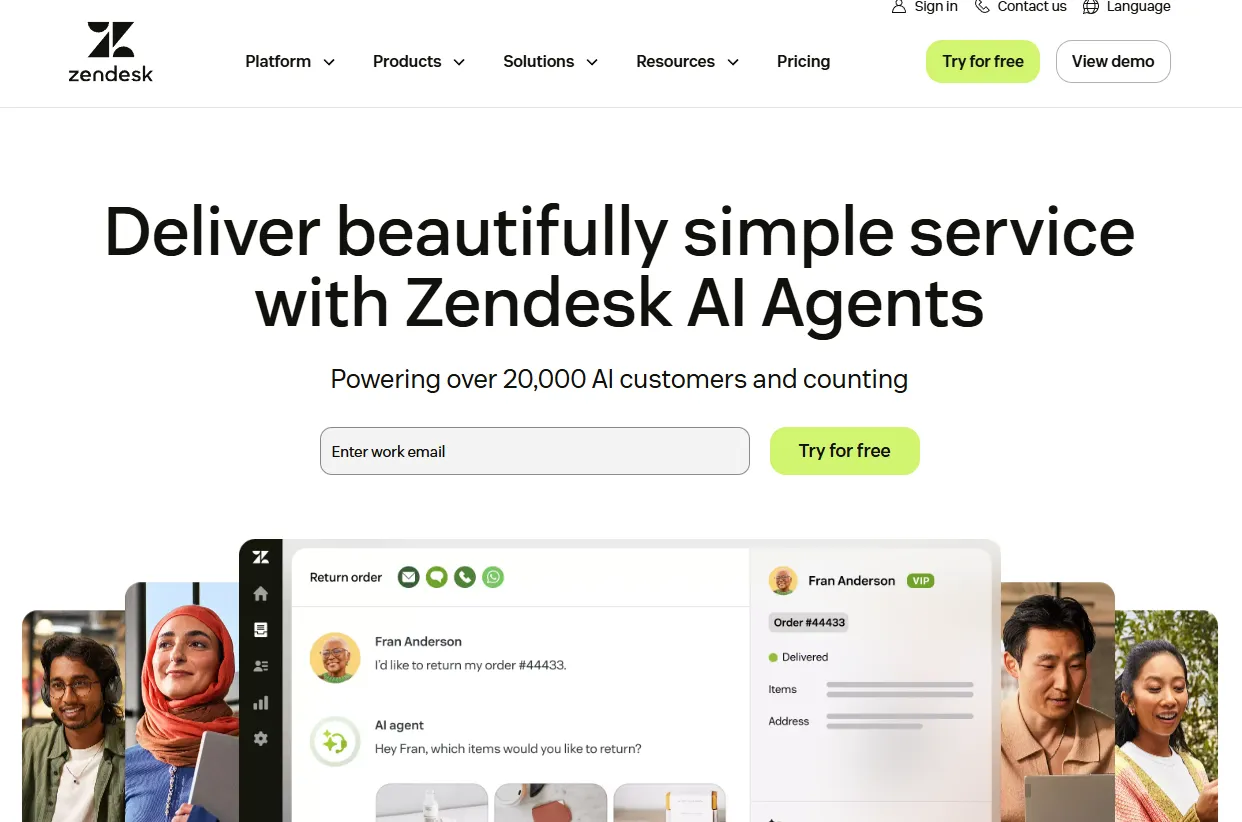
Zendesk is often referred to as the undisputed heavyweight champion in the customer support space. While originally famous for its ticketing system, Zendesk's live chat capabilities are incredibly robust and deeply integrated into their comprehensive suite.
Best for: Scaling enterprise SaaS looking for a massive, full-featured suite.
Pros:
- Incredible customizability and powerful automation triggers.
- Native integration with thousands of third-party SaaS apps.
- Powerful analytics and reporting dashboards for support managers.
Cons:
- It is notoriously confusing to set up for small teams.
- Expensive; the costs scale up aggressively as you add more support agents.
- Not an ideal fit if you just need a straightforward live chat for business.
Pricing: Starts at $19 per agent/month.
2. Intercom
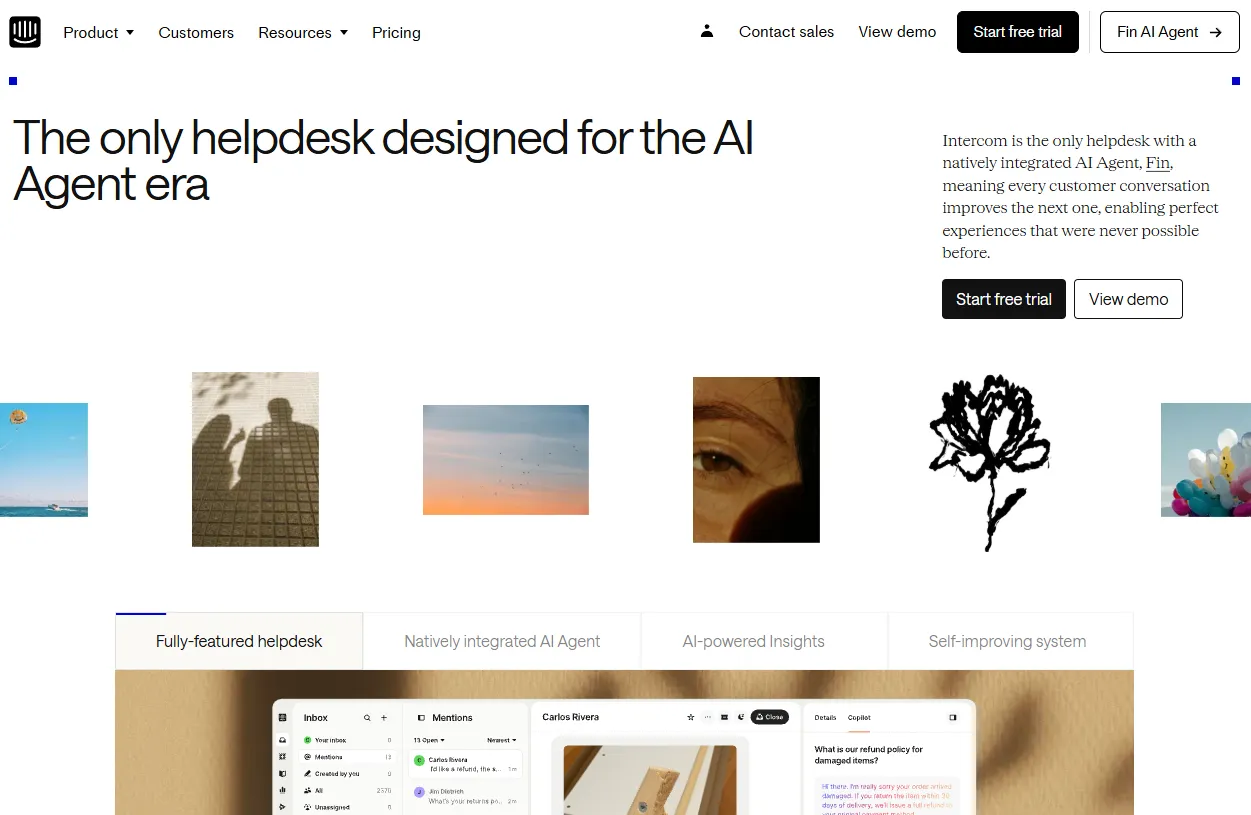
If you interact with leading B2B SaaS companies, you'll see the ubiquitous Intercom messenger. It's built differently from Zendesk, focusing purely on product-led growth, proactive messaging, and product tours.
Best for: High-growth SaaS businesses that focus on proactive onboarding and sales.
Pros:
- Superb user interface for both users and support agents.
- Extensive array of product tour features and proactive automated bot messages.
- High-quality AI bot resolutions that deflect common questions.
Cons:
- The pricing is notoriously volatile and very expensive.
- You pay both for agents and for the amount of "reachable people", which punishes companies with free-tier users.
Pricing: Starts at $39 per agent/month + additional platform usage fees.
3. Crisp
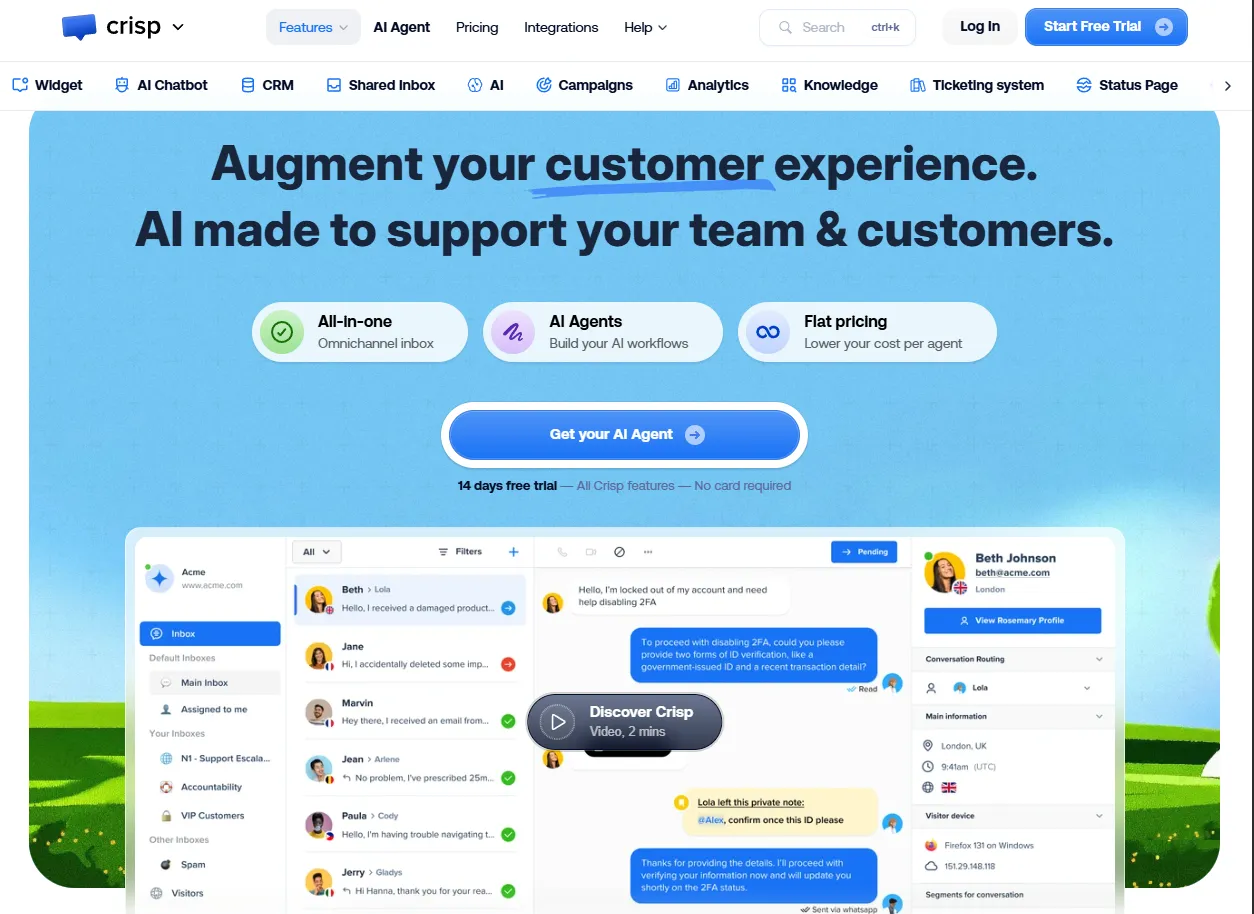
For the indie hacker and the bootstrapped founder, Crisp.chat is a breath of fresh air. It's positioned as an all-in-one messaging application for startups that don't want to get locked into Intercom's aggressive pricing model.
Best for: Indie hackers, early-stage startups, and solo founders.
Pros:
- Excellent freemium tier with a clean, low-friction chat widget.
- Pricing is flat per workspace (unlimited agents on higher tiers), unlike competitors who charge per seat.
- Magicmap feature lets you see website visitors in real-time.
Cons:
- Doesn't have the advanced ticketing depth of Zendesk.
- Automations can be a bit rigid compared to enterprise players.
Pricing: Generous free plan; Pro plans start at $45/month flat.
4. LiveChat
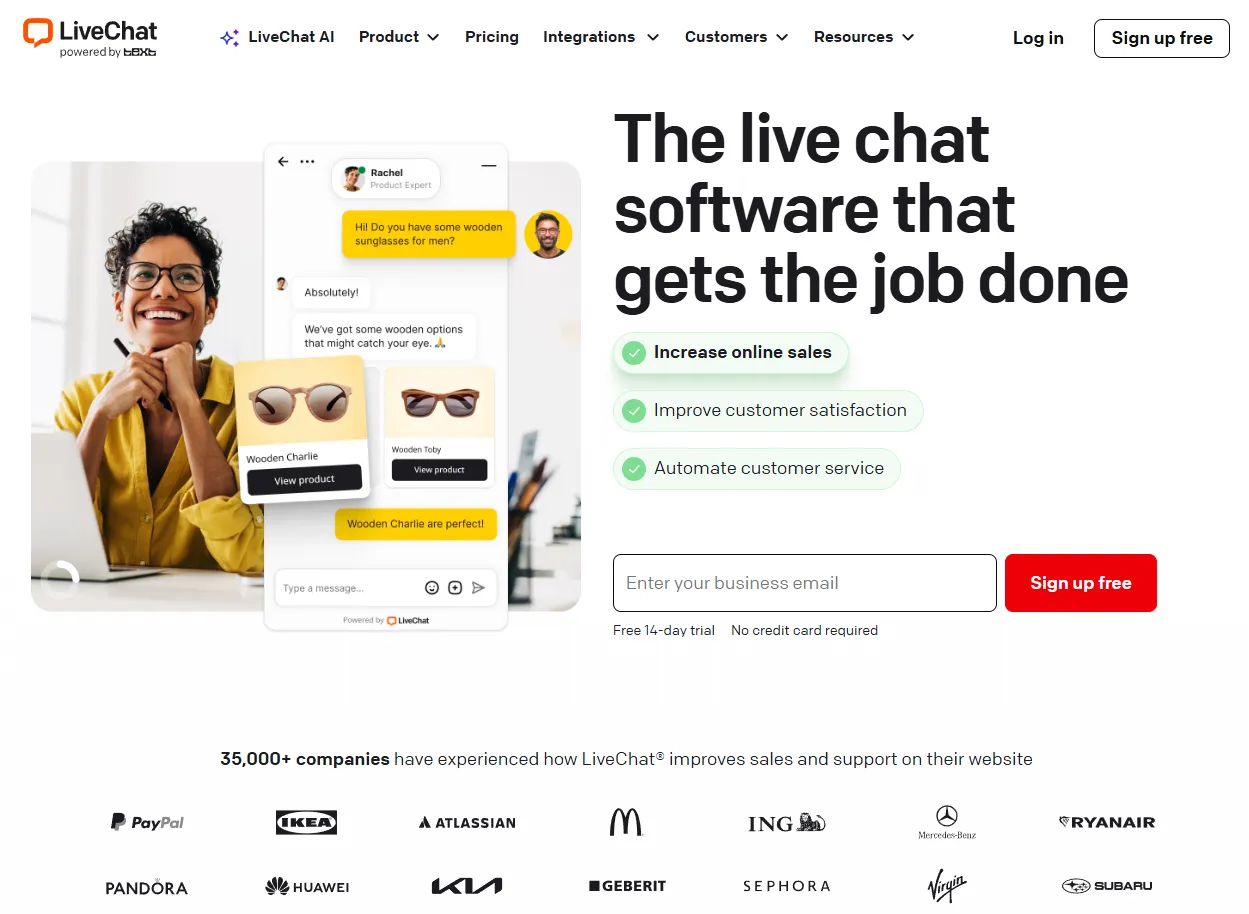
LiveChat has been around for a very long time and strictly focuses on doing one thing exceptionally well: live chat. As one of the most mature live chat support for website platforms, it is fast and exceedingly reliable.
Best for: Businesses where chat is the absolute primary customer engagement medium.
Pros:
- Incredibly clean and focused agent dashboard.
- Sneak-peek feature lets your agents see what the customer is typing before they hit send.
- Great built-in sales tools that enable agents to send interactive product cards directly in the chat.
Cons:
- Focuses heavily on chat, meaning its omnichannel offering (email/social) isn't as unified natively as tools like Help Scout.
Pricing: Starts at $19 per agent/month billed annually.
5. Tidio
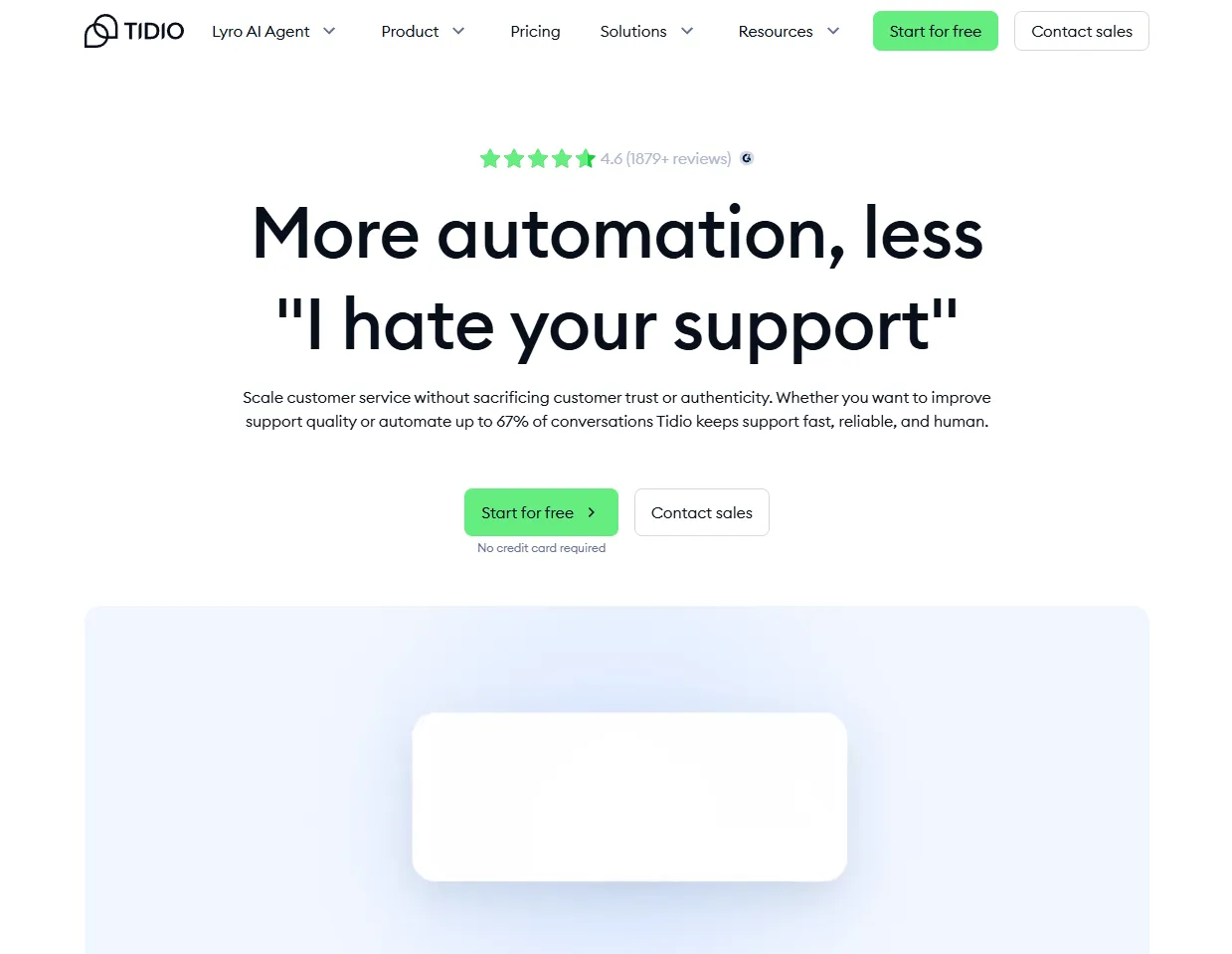
Tidio is one of the highest-rated tools for small businesses looking specifically for out-of-the-box chatbot automation combined with human oversight.
Best for: Small web agencies and SaaS founders who want simple AI automation on a budget.
Pros:
- Visual drag-and-drop chatbot builder is very easy to use for non-technical users.
- Connects instantly to email and standard chat forms.
- Exceptional value with a strong free tier.
Cons:
- Tends to cater slightly more toward eCommerce than pure B2B SaaS.
- Has a limited number of deep third-party integrations compared to industry leaders.
Pricing: Free plan available; AI-driven premium tiers start around $29/month.
6. Gorgias
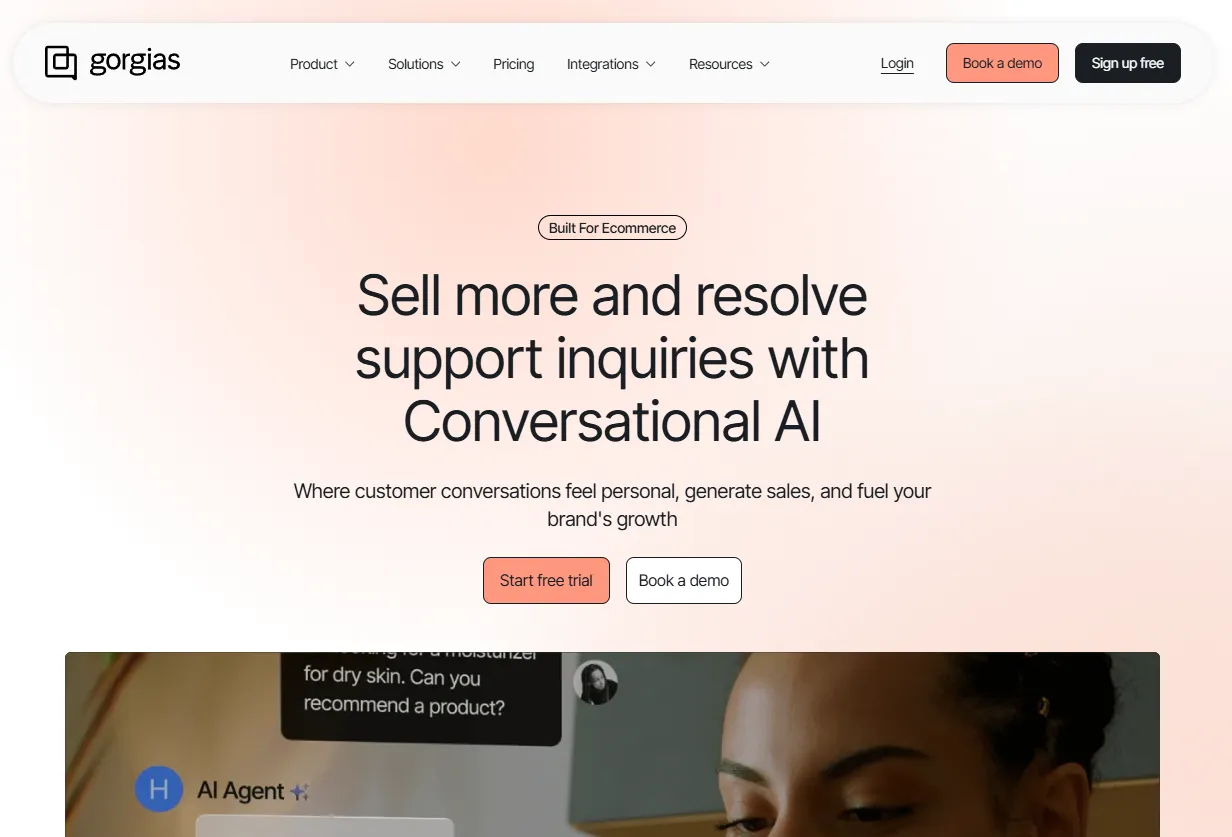
While originally intended for Shopify, Gorgias is an extremely capable customer service platform that centralizes social media comments (Instagram, TikTok, Facebook) and live chat into a single hub.
Best for: Founders selling D2C or maintaining heavy social media customer flows.
Pros:
- Best-in-class social media and e-commerce integrations.
- Macro-driven automation that reads context and dynamically enters customer data.
- Very quick rendering live widget.
Cons:
- Not perfectly tailored for complex B2B SaaS logic.
- The learning curve for setting up complex rules is slightly steep.
Pricing: Starts at $10/month based on ticket volume rather than seating.
7. Freshdesk (Omnichannel)
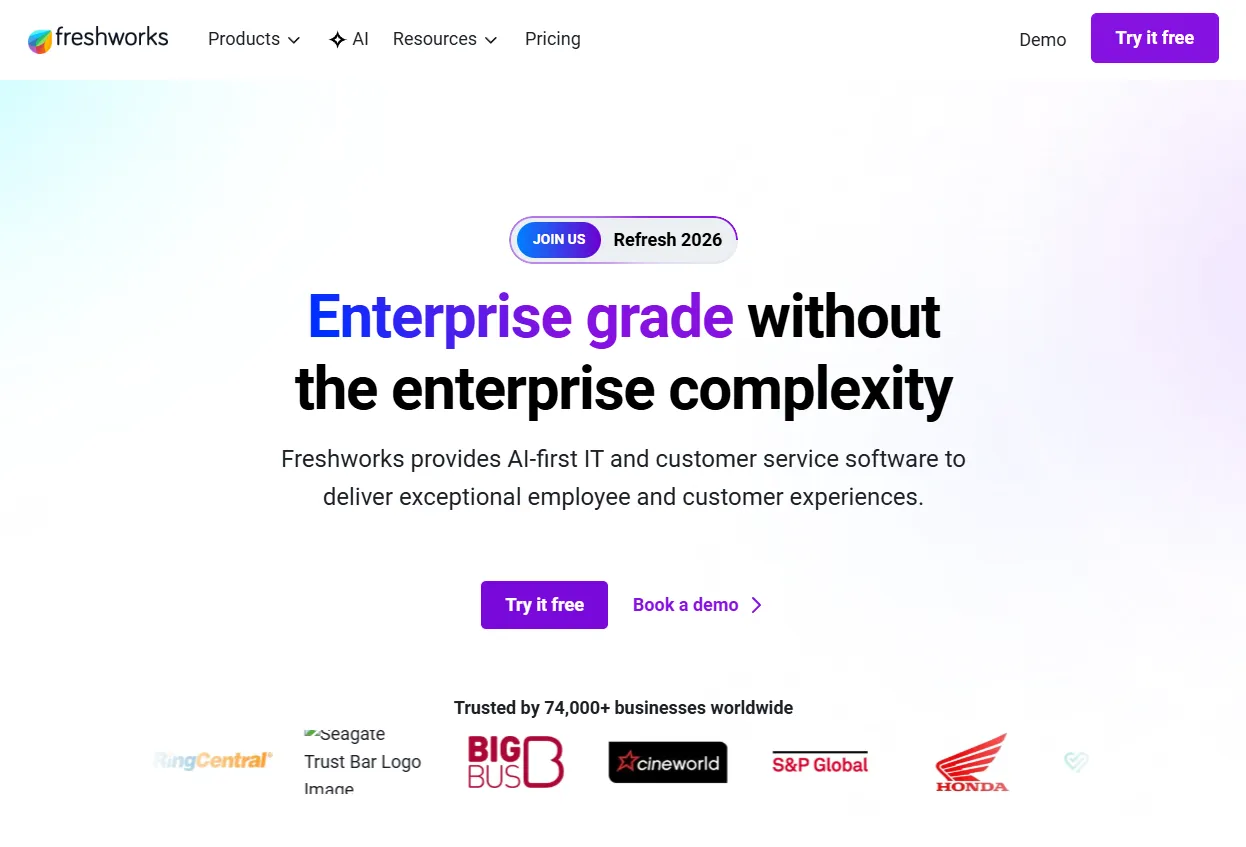
Owned by Freshworks, Freshdesk is often viewed as the primary budget-friendly alternative to Zendesk. It combines a powerful knowledge base, a robust ticketing system, and live chat within the Freshworks ecosystem.
Best for: Scale-ups who need enterprise features without enterprise setup costs.
Pros:
- The unified inbox elegantly ties together email, social, phone, and live chat for business.
- Great built-in AI (Freddy AI) for drafting responses.
- Much easier to implement than legacy enterprise software.
Cons:
- Navigation can sometimes feel cluttered given the immense amount of features.
- The UI feels slightly less modern than Crisp or Intercom.
Pricing: Free limited tier; premium omnichannel plans jump to $29 per agent/month.
8. Help Scout
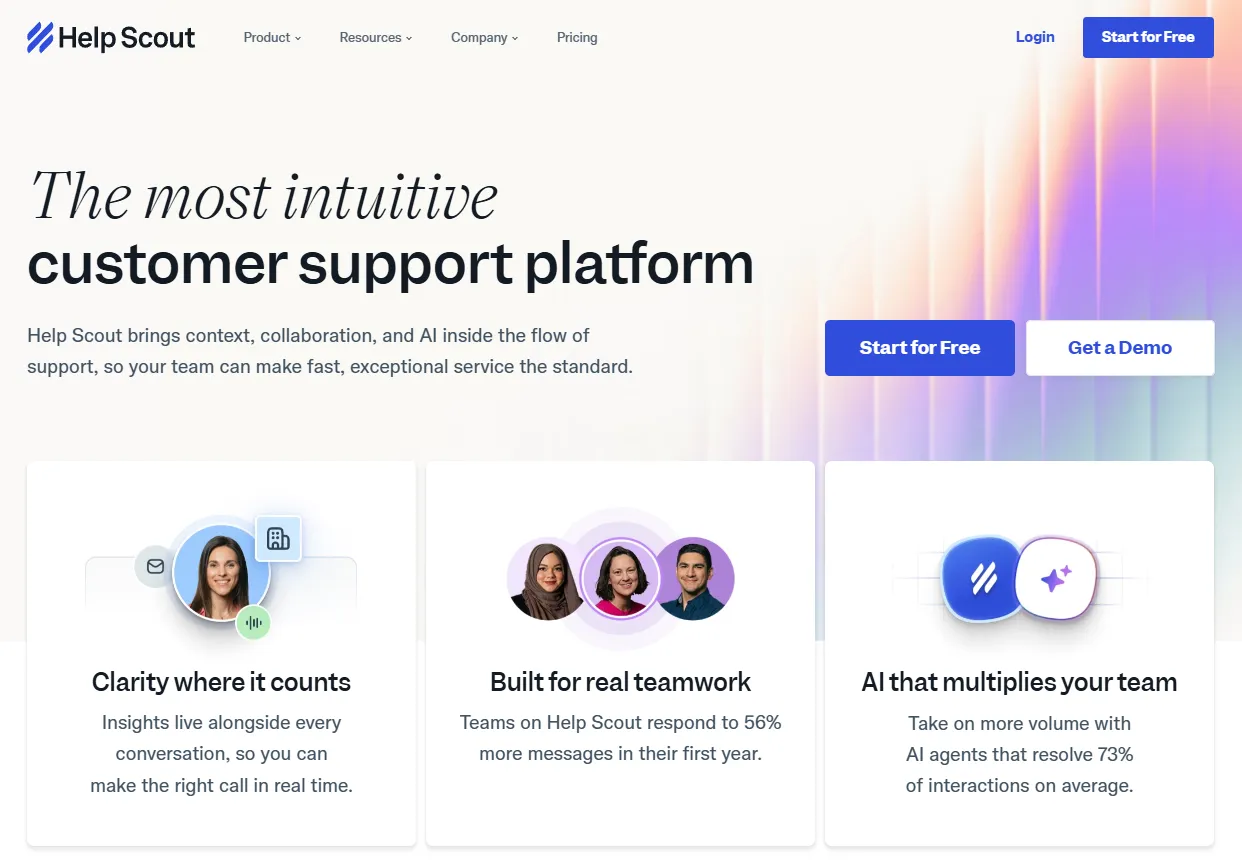
Help Scout differentiates itself by focusing heavily on team collaboration and avoiding the traditional "ticket portal" feel. It feels like an advanced, shared email client that happens to have a very good live chat widget (Beacon).
Best for: Teams who value a human, non-ticketed approach to customer support.
Pros:
- Feels invisible to customers: the emails look like regular emails without ticket numbers.
- Beacon (the live chat widget) intuitively surfaces help articles before allowing chat, reducing volume.
- Fantastic shared inbox capabilities.
Cons:
- Feature set is somewhat basic; lacks complex multi-conditional chatbots out of the box.
Pricing: Starts at $25 per user/month.
9. LiveAgent
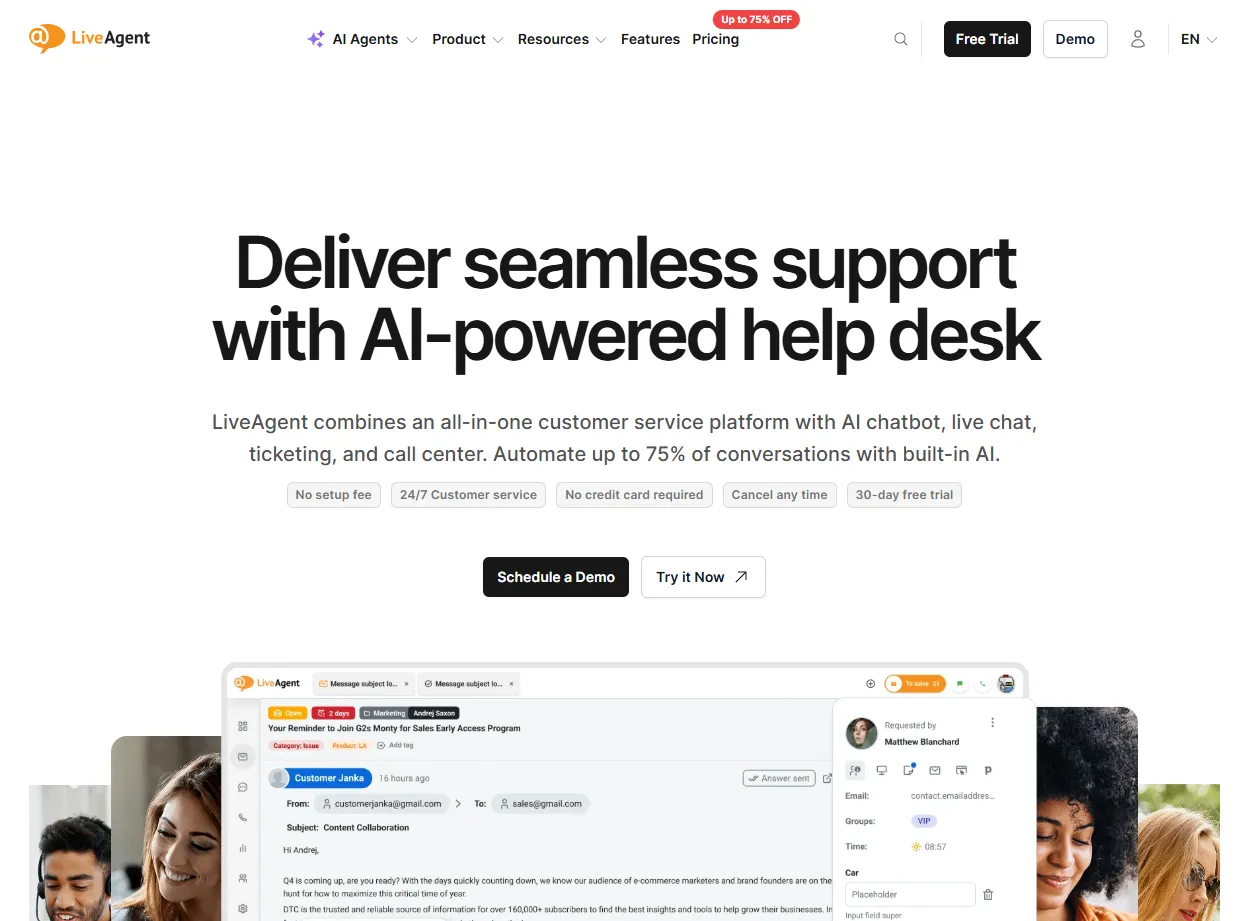
A true veteran in the space, LiveAgent provides help desk software with a heavy emphasis on live chat. They're well known for offering a massive amount of functionality for a very competitive price.
Best for: Teams who require a fast omnichannel desk with built-in agent gamification.
Pros:
- Real-time typing view features help agents prep answers quickly.
- Gamification mechanics, such as badges and points, keep support staff motivated.
- Very large array of direct integrations.
Cons:
- The backend dashboard UI has felt slightly dated compared to modern challengers.
- Mobile application functionality is occasionally limited.
Pricing: Tickets + Chat plans begin at $4 per agent/month.
How to Choose the Right Live Chat for Business
Selecting the ideal live support software largely depends on your startup's phase. Here are three critical factors to weigh before opening your wallet:
- Volume to Agent Ratio: If you have high traffic but are a solo founder (click here to learn marketing tips for solo founders), you cannot spend 10 hours a day in Intercom. You need a tool like Tidio or Crisp that leans heavily on automated chatbots to deflect easy questions.
- Pricing Structure: Be very wary of platforms that charge both for API calls/message volumes AND agent seats. For early-stage devs, flat-fee solutions are substantially safer for your runway.
- Widget Performance: A heavy chat widget can destroy your page load speed and Google Core Web Vitals. Test the vendor's widget on mobile beforehand to ensure it doesn't break UX.
If you are an agency developer, building an interactive and premium website isn't just about functionality; it's about making sure your integrated chat plugins don't destroy the aesthetic you just coded.
Why Good UX Reduces Your Support Tickets (The ogBlocks Advantage)
Here is a raw truth many SaaS founders ignore: if your users are constantly opening live chat because they can't figure out your interface, a better chat tool won't save you.
Instead of treating the symptoms with live chat, treat the disease by fixing your User Experience (UX).
If your dashboard buttons are hard to find, if your modal animations feel clunky, or if your onboarding isn't intuitive, users will submit angry tickets. You can massively reduce your support overhead by simply upgrading the quality of your frontend UI.
This is where ogBlocks step in.
Instead of spending hours writing raw CSS to make your forms, buttons, and layouts look mildly decent, you can leverage ogBlocks, a premium React and Tailwind CSS component library designed specifically for conversion-heavy startups.
With ogBlocks, you get:
- Production-ready, stunningly animated React components.
- Intuitive, crystal clear UX elements that guide users logically, preventing support inquiries before they happen.
- Components built to help you ship 10x faster, allowing you to focus on the product rather than pushing pixels.
Don't just invest in software that answers user complaints. Invest in the premium components that prevent the complaints in the first place. Build your next project with ogBlocks.
Frequently Asked Questions (FAQ)
What is the best live chat software for customer service for solo founders? For solo founders and indie hackers, Crisp and Tidio are widely considered the best live chat software for customer service because they offer substantial free tiers, flat pricing schemes, and easy chatbot automation that deflects basic inquiries without requiring a human.
Can live chat support for website improve conversion rates? Yes, live chat support for website improves conversion rates dramatically. Having an agent or smart bot instantly answer a pricing or feature question when a user is on the checkout page ensures they complete the transaction instead of leaving to evaluate competitors.
Is live chat software expensive to implement? Live chat for business does not have to be expensive. While enterprise systems like Intercom and Zendesk can cost hundreds of dollars monthly per agent, entry-level platforms like Tawk.to and Crisp offer highly functional free versions or low flat monthly tiering.
Are you tired of basic-looking UIs that confused your customers? Upgrade your entire digital presence today with ogBlocks. Build faster, look better, and drastically drop your support tickets.
Written by Karan
Karan is a React engineer and the founder of ogBlocks, building high-performance UIs for SaaS.