7 Reasons Why You Should Stop Using Google Analytics Today
If you are a SaaS founder, indie hacker, or web agency developer still running Google Analytics on your sites, it is time for a serious reality check. Google Analytics is the default choice for most people—over 53% of all websites use it—but "default" does not mean "best." In fact, there are compelling reasons why you should stop using Google Analytics entirely and switch to a privacy-friendly alternative to Google Analytics that actually respects your users.
This article is for builders: SaaS founders who are shipping fast, indie hackers who care about lean tooling, and agency developers who manage analytics across multiple client sites. We will break down the exact problems with Google Analytics, walk through the best Google Analytics alternative options available in 2026, and help you pick the right one for your stack.
Key Takeaways
Privacy Liability: Google Analytics collects personal data, requires cookie consent banners, and has been ruled illegal in multiple EU countries under GDPR.
Performance Drag: GA4's tracking scripts add 45+ KB of bloat to every single page load, tanking your Core Web Vitals.
Inaccurate Data: Ad blockers and consent rejections cause GA4 to miss up to 55% of real traffic.
Better Options Exist: Privacy-first tools like Simple Analytics and Plausible Analytics give you actionable data without legal headaches or performance costs.
Ship Faster: Use lightweight, ethical analytics paired with a pre-built component library like ogBlocks to launch and iterate at top speed.
Table of Contents
- The Real Problem with Google Analytics
- 7 Reasons Why You Should Stop Using Google Analytics
- The Best Google Analytics Alternatives for 2026
- Which Alternative to Google Analytics Should You Pick?
- Do I Need Google Analytics?
- Should I Use Google Analytics?
- Frequently Asked Questions
- Stop Guessing, Start Shipping
The Real Problem with Google Analytics

Let's cut straight to it. Google Analytics is not a free tool. You pay for it with your visitors' personal data.
Google is the largest advertising technology company on the planet. Its entire business model is built on surveillance capitalism—collecting massive amounts of behavioral data about people and using those insights to sell hyper-targeted ads. When you install Google Analytics on your website, you are handing Google a firehose of data about every single visitor: what pages they view, how long they stay, what devices they use, their geographic location, and far more.
Google itself openly states that it uses information from sites running its products to "deliver services, maintain and improve them, develop new services, measure the effectiveness of advertising, protect against fraud and abuse, and personalize content and ads."
Translation: your visitors' behavior on your site is being fed into Google's advertising machine. And you are doing it voluntarily, for "free."
For SaaS founders and indie hackers who are building products that people trust, this is a fundamental conflict of interest. You are telling your users you care about their experience while simultaneously funneling their data to the world's biggest ad network. Let's look at exactly why this matters.
7 Reasons Why You Should Stop Using Google Analytics
1. It Is a GDPR and Privacy Compliance Nightmare
Since January 2022, Data Protection Authorities in Austria, France, Italy, and Denmark have ruled that using Google Analytics violates GDPR because user data is transferred to US servers where it is accessible to US intelligence agencies under FISA 702.
If you operate a website accessible to European users—which, if you are running a SaaS, you almost certainly do—you are exposing yourself to potential fines of up to 4% of annual global turnover. For an indie hacker making $10,000 a month, that is real money. For an agency managing 20 client websites, it is a ticking legal time bomb across every single property.
2. It Adds 45+ KB of Bloat to Every Page
Performance is everything for SaaS landing pages. Google's Global Site Tag (gtag.js) weighs approximately 28 KB and then downloads an additional analytics.js file adding another 17.7 KB. That is 45.7 KB of JavaScript on every single page load, executing tracking logic before your actual content even renders.
For context, the entire Plausible Analytics script is under 1 KB. If you are sweating over your Core Web Vitals and LCP scores—which directly impact your Google search rankings—removing GA4 is one of the single easiest performance wins you can make. Every kilobyte matters when you are trying to make your website look premium and load instantly.
3. It Is Wildly Overkill for Most Founders
Google Analytics tracks over 290 different metrics across 125+ report categories. For a bootstrapped SaaS founder who just wants to know how many people visited, where they came from, and which pages are popular, this level of complexity is absurd.
Most GA4 users end up creating simplified custom dashboards with 3-5 widgets and ignoring the other 95% of the tool. Many others simply never log in at all because the interface is so overwhelming. If you are spending more time configuring your analytics tool than actually building your product, something is fundamentally broken.
4. Cookie Consent Banners Kill Your User Experience
Google Analytics requires cookies to function. Under GDPR, PECR, and CCPA, this means you are legally obligated to show a cookie consent banner to every visitor before tracking begins. These banners are ugly, they interrupt the user flow, and they destroy the first impression of your carefully crafted SaaS landing page.
Worse, when users click "Reject," GA4 stops tracking them entirely—which leads directly to our next problem.
5. Your Data Is Inaccurate (Up to 55% Missing)
An independent study by Orbit Media found that when consent banners are displayed, GA4 fails to capture an average of 55.6% of traffic compared to cookieless alternatives. On top of that, browser extensions like uBlock Origin, Brave's built-in blocker, and Firefox's Enhanced Tracking Protection all block Google Analytics by default.
You are literally making business decisions based on data that is missing more than half of your actual visitors. For a data-driven SaaS founder, this should be terrifying.
6. Referral Spam Pollutes Your Reports
Google Analytics has been plagued by referral spam for years—fake bot traffic that appears in your reports as legitimate referral visits. These spam hits inflate your traffic numbers, skew your bounce rate, and make your geographic data essentially useless unless you manually configure complex filters. Most founders never bother, which means their "data" is contaminated from day one.
7. It Is a Proprietary Black Box
Google Analytics is closed-source software. You cannot inspect the code that processes your data, you cannot self-host it on your own infrastructure, and you have zero control over how Google stores, processes, or shares the information collected from your site. You are trusting one of the most aggressive data-harvesting corporations in history to handle your users' data ethically. That is a lot of trust.
The Best Google Analytics Alternatives for 2026
The good news is that the privacy-first analytics ecosystem has matured significantly. There are now several excellent alternatives to Google Analytics that give you everything you actually need—clean, accurate, actionable traffic data—without the legal risk, performance cost, or moral compromise.
1. Simple Analytics — My Personal Pick
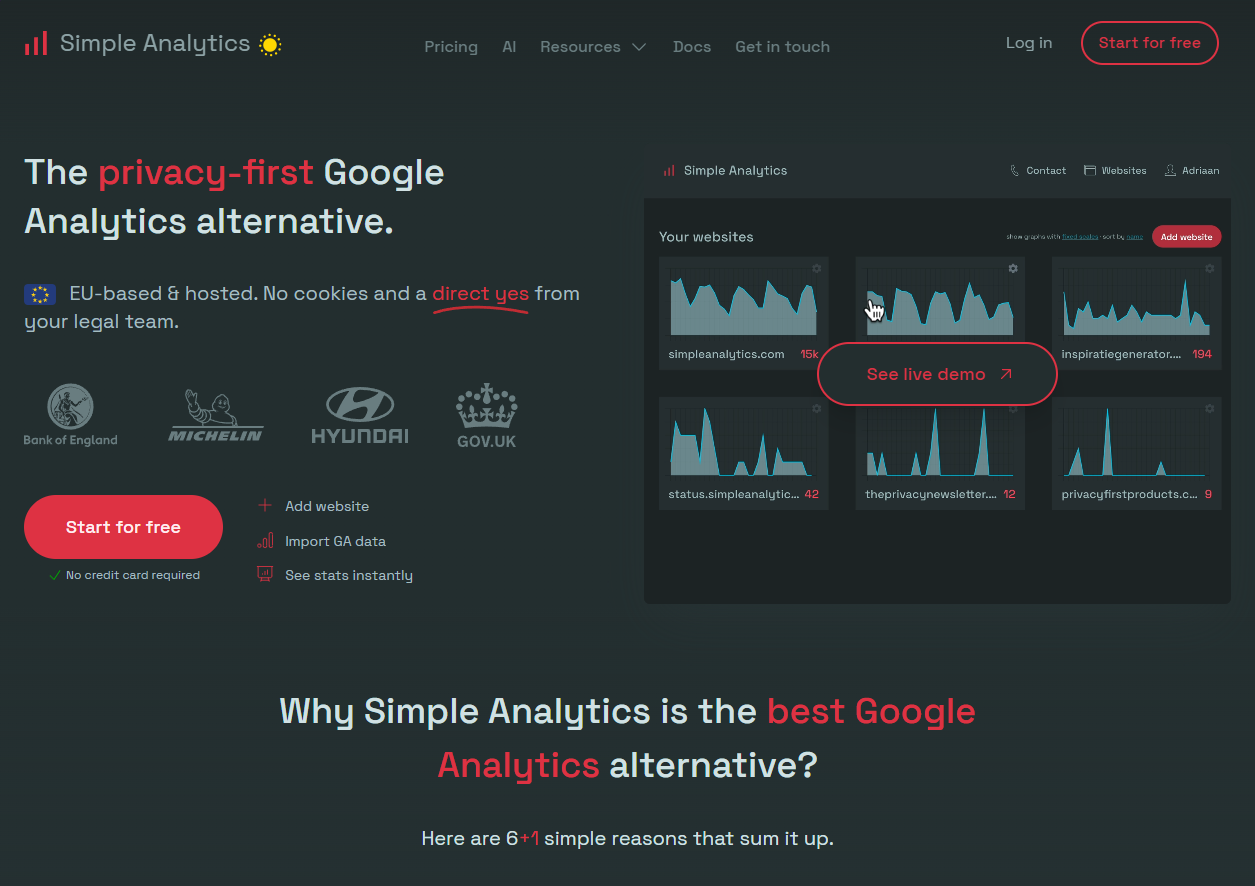
Simple Analytics is the tool I personally use across all my projects, and I cannot recommend it enough. It is exactly what the name suggests: simple, clean, and privacy-first.
- No cookies, no consent banners needed. Fully GDPR, CCPA, and PECR compliant out of the box.
- Lightweight script under 6 KB. Near-zero impact on your page speed and Core Web Vitals.
- Beautiful, minimalist dashboard. You see pageviews, referrers, top pages, and device breakdowns—everything you need, nothing you don't.
- Bypasses ad blockers. Because it does not track personal data, most blockers allow it through, giving you dramatically more accurate traffic counts.
- Pricing: Starts at $15/month.
For SaaS founders and indie hackers who want to spend 30 seconds checking their dashboard and then get back to shipping, Simple Analytics is the best Google Analytics alternative I have found.
2. Plausible Analytics — Open Source and EU-Hosted
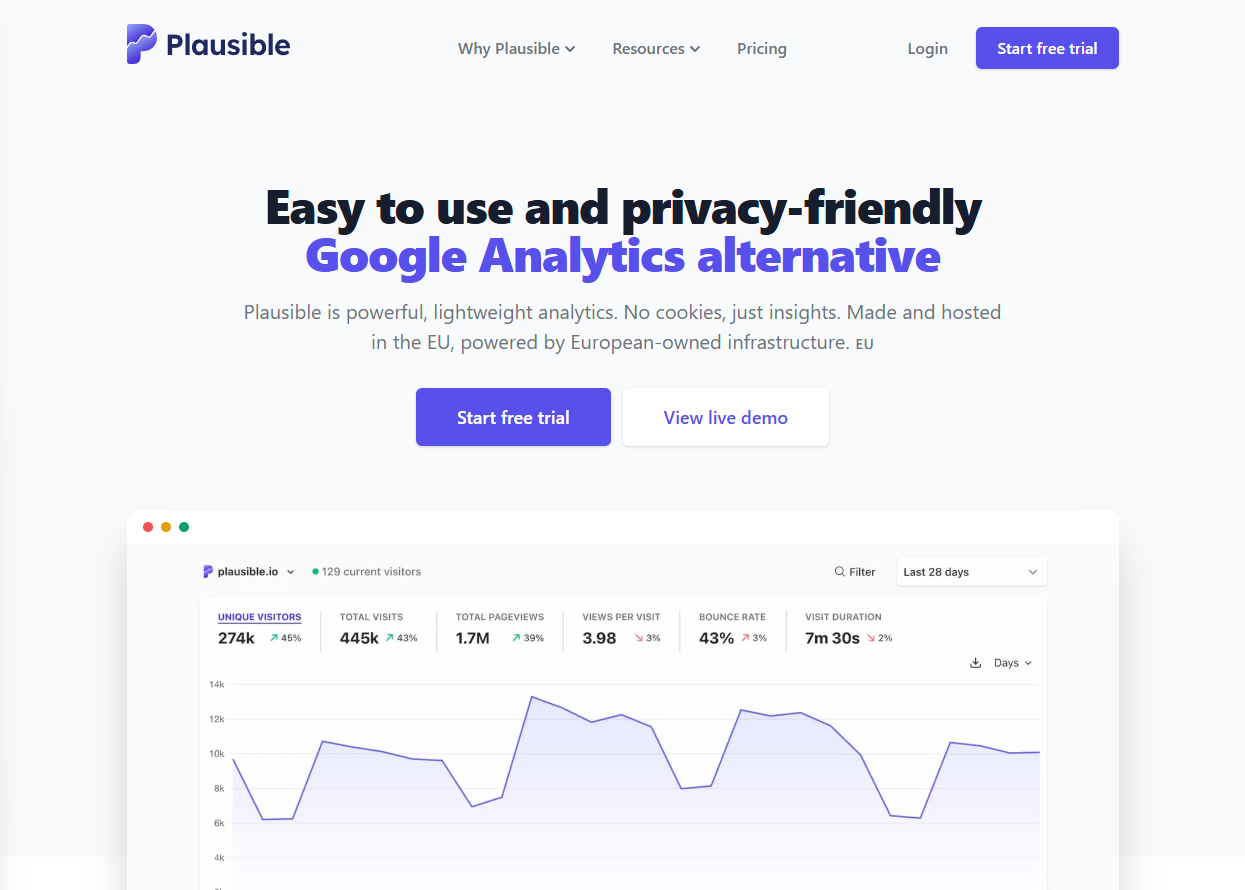
Plausible Analytics is another fantastic alternative to Google Analytics, especially if you value open-source software and EU data residency.
- Fully open source. The entire codebase is available on GitHub, so you can audit exactly what data is collected and how it is processed.
- EU-hosted. All data is stored in Germany on European-owned infrastructure. The data never leaves the EU.
- Script size under 1 KB. The lightest analytics script on the market.
- Self-hosting option. If you prefer total control, you can run Plausible on your own server.
- Pricing: Starts at $9/month (cloud-hosted).
Plausible is ideal for agency developers managing privacy-conscious clients and for founders who want full transparency into their analytics stack.
3. Fathom Analytics — Privacy Meets Enterprise Features
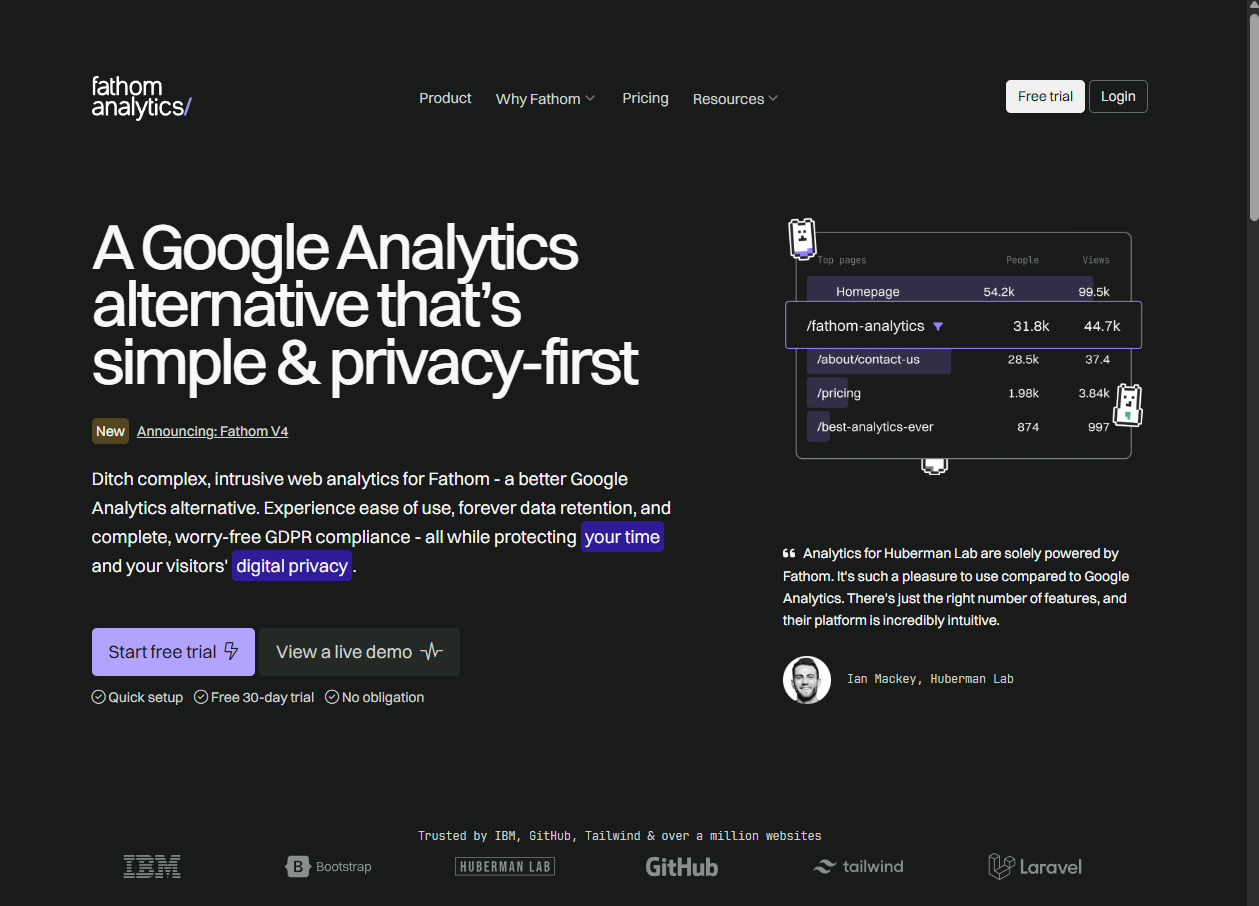
Fathom Analytics bridges the gap between simplicity and power. It offers privacy-first tracking with some more advanced features like custom event tracking and detailed UTM campaign analysis.
- No cookies, no consent banners. GDPR compliant by design.
- Custom event tracking. Track signups, button clicks, and form submissions without sacrificing privacy.
- EU data isolation available. Route your data exclusively through EU infrastructure.
- Pricing: Starts at $15/month.
4. Umami — Free and Self-Hosted
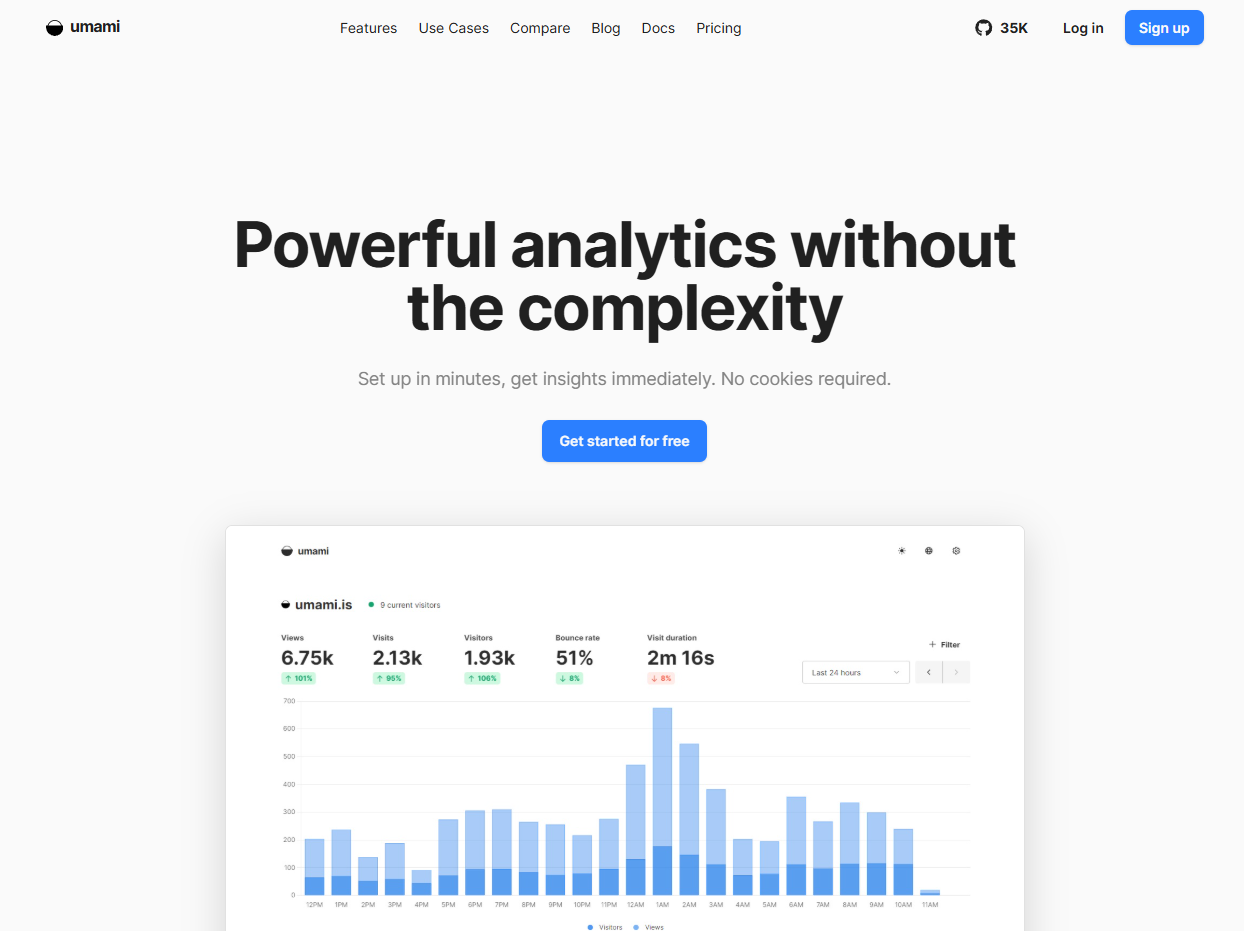
Umami is a completely free, open-source analytics tool that you can deploy on your own infrastructure. If you are a technical founder who wants zero recurring costs and full data ownership, Umami is worth serious consideration.
- 100% free and open source.
- Self-host on Vercel, Railway, or any VPS.
- Simple, clean interface with real-time visitor counts.
- Pricing: Free (self-hosted) or starts at $9/month (cloud).
5. Microsoft Clarity — Free Behavioral Analytics
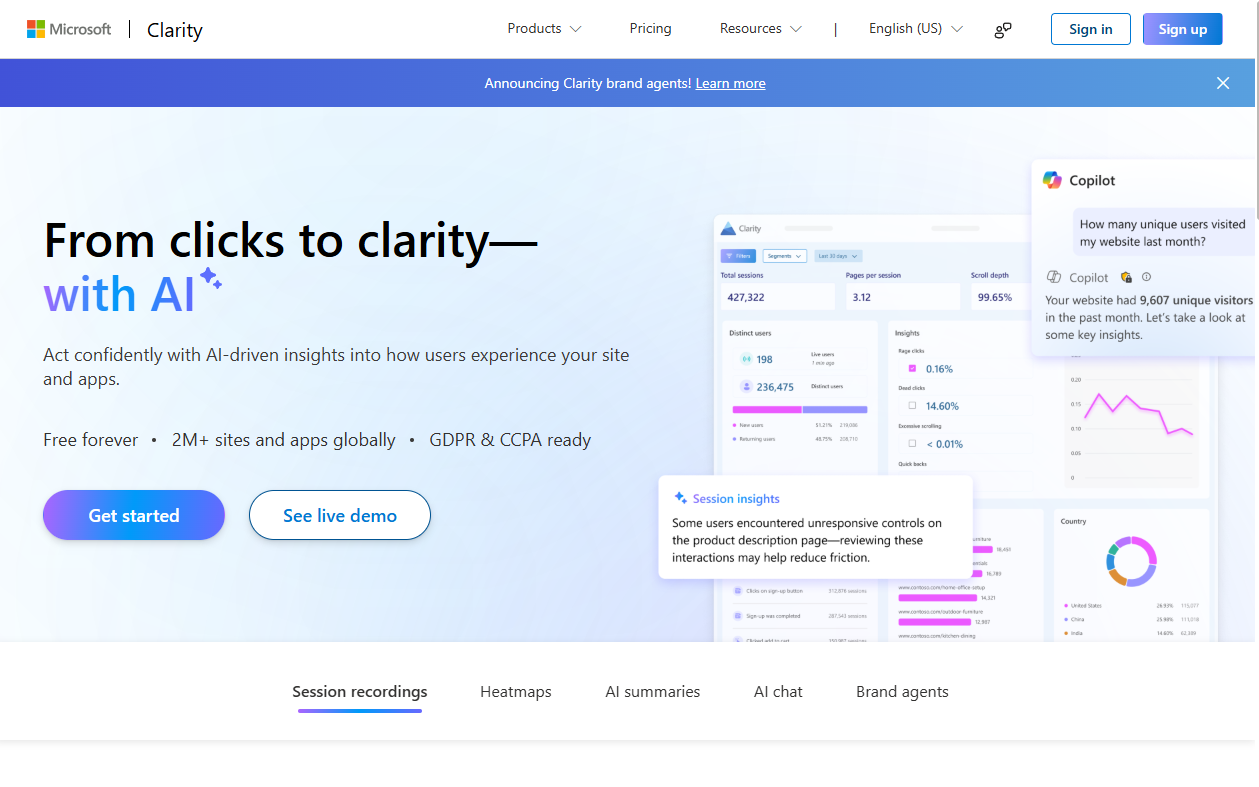
While not a direct traffic analytics replacement, Microsoft Clarity is a completely free tool that provides heatmaps, session recordings, and behavioral insights. When paired with a privacy-first analytics tool, it gives you a powerful understanding of how users interact with your pages.
- Completely free. No traffic limits.
- Session recordings and heatmaps. See exactly where users click, scroll, and get stuck.
- No impact on page performance scores.
Which Alternative to Google Analytics Should You Pick?
Here is a quick decision framework based on your situation:
| Scenario | Best Pick | Why |
|---|---|---|
| Solo founder, want simplicity | Simple Analytics | Clean dashboard, zero config, accurate data |
| Agency managing client sites | Plausible Analytics | Open source, EU-hosted, client-friendly branding |
| Need custom event tracking | Fathom Analytics | Privacy-first with conversion tracking |
| Technical founder, zero budget | Umami | Free, self-hosted, full data ownership |
| Want behavioral insights (heatmaps) | Microsoft Clarity | Free heatmaps and session recordings |
For most SaaS founders and indie hackers reading this, I recommend starting with Simple Analytics or Plausible Analytics. These two tools cover 95% of what you actually need from analytics without any of the privacy, legal, or performance baggage that comes with Google Analytics.
If you want to go deeper on building a complete, affordable analytics and SEO tool stack for your SaaS, we have a detailed guide covering every category.
Do I Need Google Analytics?
The honest answer for most SaaS founders and indie hackers is: no, you do not need Google Analytics.
Google Analytics was originally built for enterprise marketing teams running massive ad campaigns across Google Ads, YouTube, and the Display Network. If you are not running paid Google advertising at scale and relying on cross-platform conversion attribution, you are using a sledgehammer to drive a thumbtack.
What you actually need is a lightweight tool that tells you:
- How many people visited your site today.
- Which pages are getting the most traffic.
- Where your visitors are coming from (search, social, direct, referral).
- Whether your traffic is trending up or down over time.
Every single privacy-first alternative listed above gives you exactly this, without the 45 KB script overhead, without cookie banners, without GDPR liability, and without handing your visitors' data to the world's largest advertising company.
If you are tracking conversions, you can use server-side event tracking, Google Search Console for organic search data (it is completely free and independent of GA), or tools like PostHog for product analytics.
The bottom line: you need analytics, you do not need Google Analytics.
Should I Use Google Analytics?
If you have read this far, you probably already know the answer. But let me make it explicit.
You should not use Google Analytics if:
- You care about your visitors' privacy and building trust with your users.
- You want accurate traffic data (remember: GA4 misses up to 55% of visitors behind consent banners).
- You are targeting European users and want to stay GDPR-compliant without legal risk.
- You value site performance and want your SaaS landing page to load as fast as possible.
- You are a solo founder or small team and do not have the time to configure 290 metrics and 125 reports.
The only scenario where Google Analytics still makes sense is if you are running large-scale Google Ads campaigns and need the deep integration with Google's advertising ecosystem for cross-channel attribution modeling. If that describes you, GA4 is still the right tool for that specific job.
For everyone else—and especially for the bootstrapped SaaS founders, indie hackers, and agency developers reading this—switching to a privacy-first alternative is one of the highest-ROI, lowest-effort improvements you can make to your entire web stack. It takes 15 minutes to set up, you delete one script and paste another, and you immediately get better data, better performance, better compliance, and a better user experience.
Frequently Asked Questions
Is Google Analytics really free?
Google Analytics is free in the sense that you do not pay money for it. But you pay with your visitors' personal data, which Google uses to power its $224 billion advertising business. Privacy-first alternatives like Simple Analytics and Plausible Analytics charge a small monthly fee but do not harvest any user data.
Can I use Google Analytics without cookies?
No. Google Analytics requires cookies to identify unique users across sessions. This means you are legally required to display a cookie consent banner under GDPR, PECR, and similar regulations. Cookieless alternatives eliminate this requirement entirely.
Will removing Google Analytics hurt my SEO?
Absolutely not. Google has explicitly confirmed that using Google Analytics is not a ranking factor. Removing GA4 will actually improve your page speed and Core Web Vitals scores, which are ranking factors.
What is the best Google Analytics alternative for SaaS?
For most SaaS founders, Simple Analytics or Plausible Analytics are the best choices. They offer accurate, privacy-compliant traffic data with beautiful dashboards, lightweight scripts, and zero cookie requirements. I personally use Simple Analytics.
How do I migrate away from Google Analytics?
Migration is straightforward. Most privacy-first alternatives can import your historical GA data. Plausible Analytics, for example, has a dedicated GA import tool. After importing, you simply remove the GA script from your site and paste your new analytics snippet.
Stop Guessing, Start Shipping
Switching away from Google Analytics is not just a privacy decision—it is a performance decision, a legal decision, and a product decision. When you remove bloated tracking scripts, eliminate consent banners, and use accurate data, you can finally focus on what actually matters: building and shipping your product.
And if you are shipping fast, you need a frontend stack that keeps up with your velocity. Stop spending weeks hand-coding custom UI components and tweaking CSS animations from scratch.
- Instant Premium Design: Production-ready, animated React components that look like they were built by a top-tier design agency.
- Copy-Paste Simplicity: Built on React, Tailwind CSS, and Framer Motion—drops straight into your Next.js or Vite project.
- Ship in Hours, Not Weeks: Skip the frontend development bottleneck and focus on your core business logic instead.
Ready to build faster? Stop wasting time on boilerplate UI. Get ogBlocks today and start shipping stunning, high-converting web applications at 10x speed. Your competitors are already using component libraries—don't get left behind.
Written by Karan
Karan is a React engineer and the founder of ogBlocks, building high-performance UIs for SaaS.